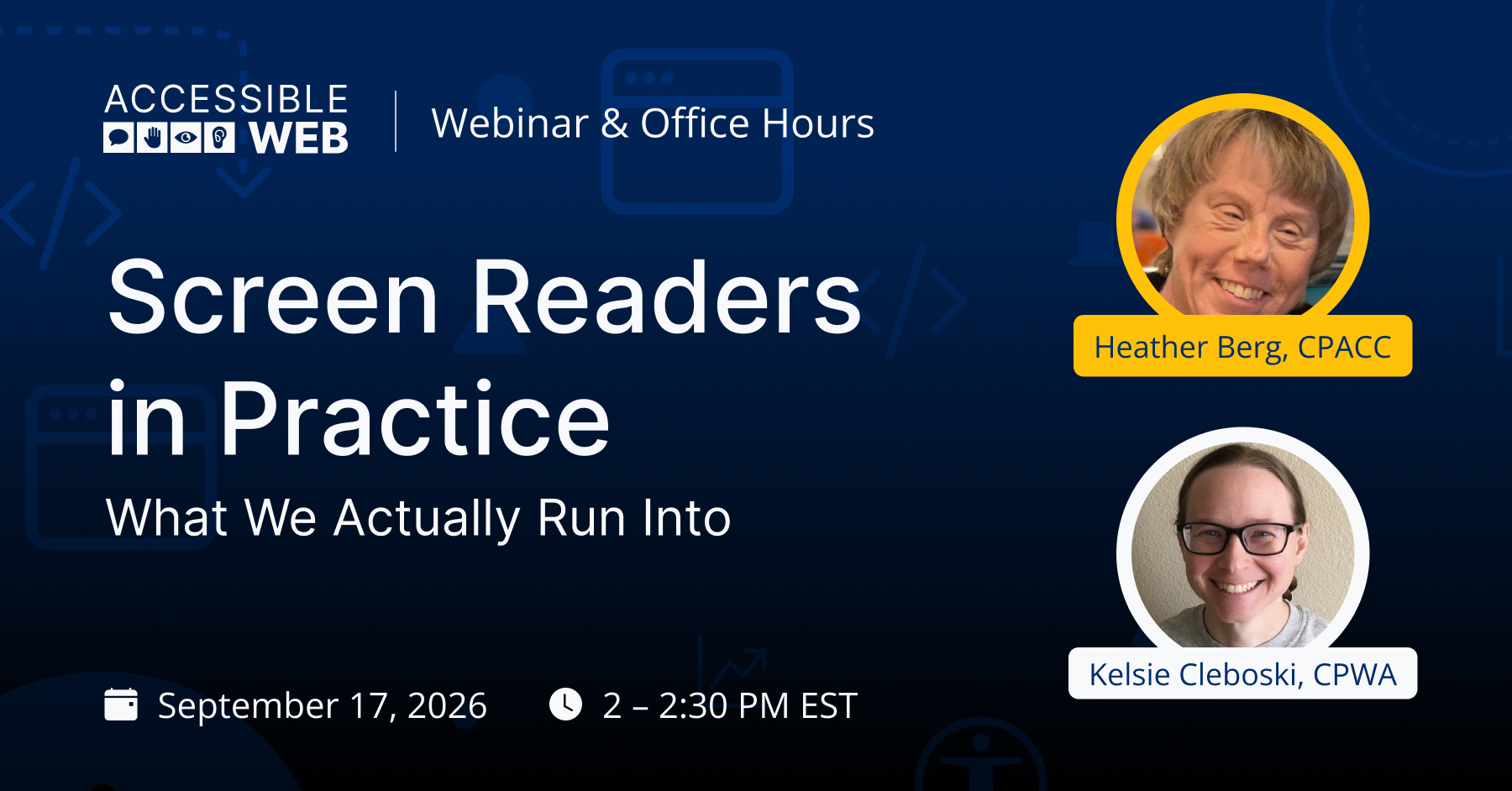
Screen Readers in Practice: What We Actually Run Into | Webinar Video
Checks can miss the issues that matter most: focus traps, confusing Accessible Rich Internet Applications (ARIA) labels, and interactions that technically pass but don’t actually make sense to a screen reader user. The gap between “it works” and “it works well” is where most accessibility problems hide.
Too often, screen reader testing is treated as a single pass-fail step rather than an ongoing practice shaped by real-world use. This session brings together two testers with different day-to-day roles to compare what they actually run into, from recurring false positives to the edge cases that never make it into a checklist.
Join us on Thursday, September 17 at 2:00 PM EST as Accessibility UX Testing Coordinator Heather Berg and Kelsie Cleboski, CPWA, Senior Accessibility Specialist, sit down for a discussion-style webinar on screen reader testing.
What we’ll cover
- The most common screen reader testing challenges Heather and Kelsie encounter from their respective roles
- How to spot and avoid false positives in screen reader testing workflows
- Edge cases that don’t show up in a standard checklist, and how to catch them anyway
- Lessons learned from testing across different assistive technology setups
Video
Watch on YouTube for the full video.
Webinar Q&A
-
Yes. Conformance and usability are separate. You can be fully conformant and still have usability problems. Plenty of websites have usability issues even for sighted users and people who don’t use assistive technology. Usability always needs attention on top of a strong conformance foundation.
That’s one reason a feedback mechanism is critical, even after a full manual audit shows you’re fully WCAG conformant. Users need a way to report usability issues, and those reports should be treated as legitimate barriers even when they aren’t WCAG failures.
On our team, it’s almost a running joke that some things are “a bad experience for everyone.” The way WCAG is currently written and applied, something that’s equally bad for everyone can technically conform. That’s probably not your goal as a product owner or an organization.
Keep in mind that something annoying or inefficient for one person may be a barrier for someone else who doesn’t have the time, energy, or resources to work past it that day. That’s still an accessibility issue, even though WCAG doesn’t cover it.
-
It comes down to user preference. Whether or not someone uses assistive technology, they probably prefer different devices for different tasks. You might sit down at your laptop, with a full keyboard and a bigger screen, for one task. If you’re in the car and need to make a reservation, you’ll grab your phone. That’s why considering both is essential.
For screen reader users, the expected outcome is the same on mobile and desktop. They need to be able to perceive the information, operate and interact with it, understand it, and use the content with their technology across platforms. When content is designed correctly, screen readers on a phone and on a laptop should give the user similar information.
-
Yes. Screen readers keep adding customization options, and that lets people get the amount and type of information that matters most to them. Verbosity settings are one example. You can have every piece of punctuation read aloud. That helps if you’re writing code, but you probably don’t want to hear every period, comma, and quotation mark while you read a book for pleasure. Screen reader brands use different names for this, but most let you set up themes or profiles so your preferences fit a specific task, like writing code or editing documents.
If your content conforms to WCAG and you consult with users, settings shouldn’t affect whether someone can use it. A new screen reader user who knows a few navigation strategies and how to work with basic interactive components should have the same easy, frictionless experience as a power user who has everything set up exactly how they like it. Customizations let people choose how information is relayed to them. They aren’t meant to make up for inaccessible content or design.
That’s the intent behind WCAG, especially the requirements for what interactive components communicate about themselves. When components meet those requirements, assistive technology handles them consistently and adapts to each user’s settings. Users get the interactions they expect and hear information communicated the way they’re used to.
The best way to learn how users interact with your content is to talk to them, so build formal user feedback into your organization and your development practices. To go deeper on screen reader testing, including how it differs from the real user experience, watch our previous webinar, Screen Reader Testing: A Guide for Non-Native Users.
