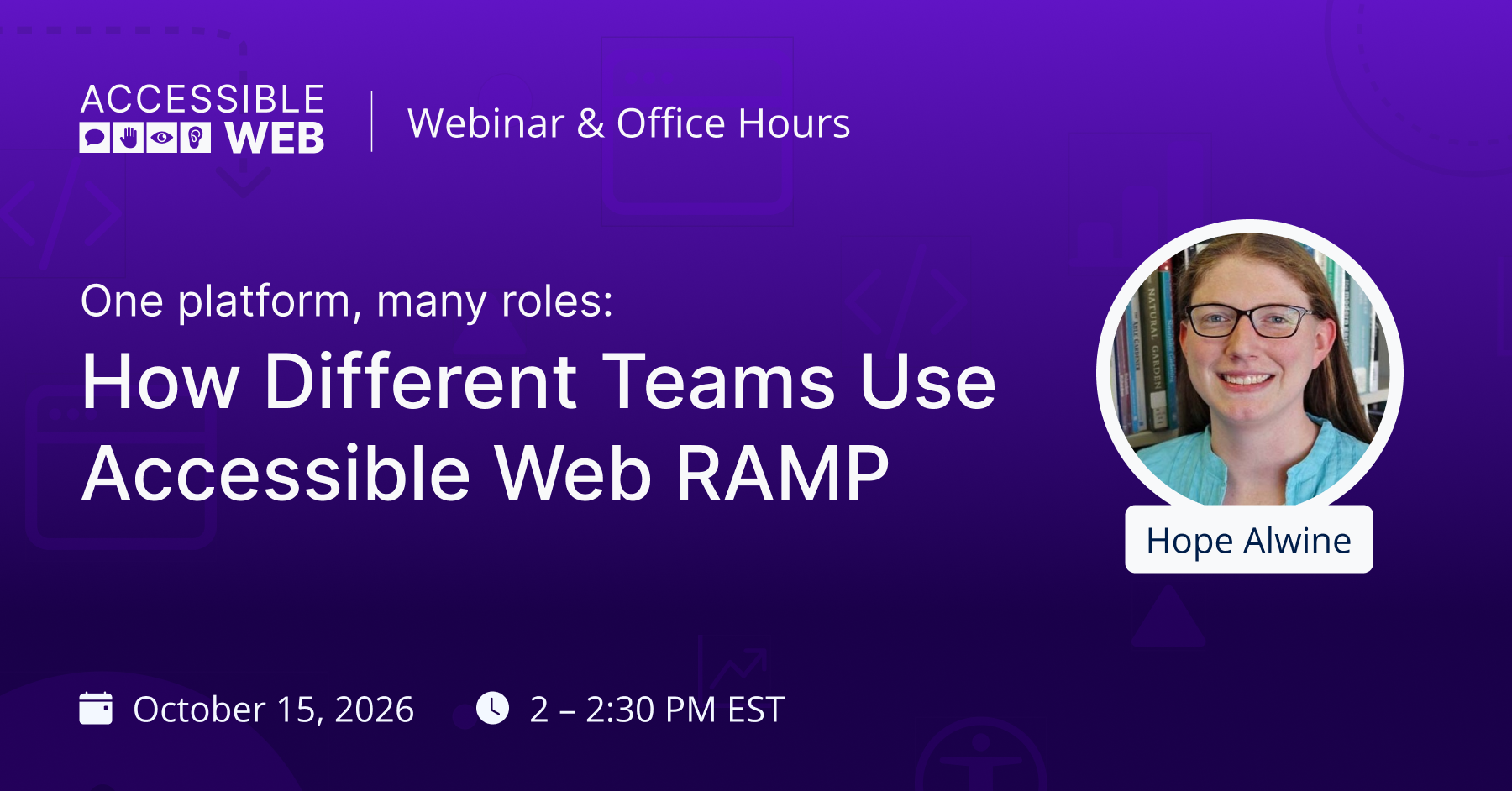
One Platform, Many roles: How Different Teams Use Accessible Web RAMP | Upcoming Webinar
Accessibility work rarely belongs to one person. Developers fix code, designers make decisions long before anything gets built, content teams publish new pages every week, and someone has to keep track of legal requirements and accommodation requests. When each group works from its own spreadsheet, things fall through the cracks.
Accessible Web RAMP gives those teams a shared place to find violations, organize the work, and track progress over time. Hope Alwine, Digital Accessibility Specialist, will walk through how each role uses RAMP day to day, and how the pieces connect.
What we’ll cover:
- How developers use Remediation Tasks and Remediation Instructions, and link tasks to tools like Jira
- How designers use the Figma Annotation Kit to flag issues before development starts
- Where content teams fit in, from automated page monitoring to the Accessible Web Helper Chrome extension
- How compliance leads use the Compliance Center and Accessibility Log to see which laws apply and document progress
- Setting up your organization in RAMP so the right people see the right work
Bring your specific RAMP questions — we encourage you to ask them live throughout the session!
Join us Thursday, October 15th at 2:00 PM EST.
Can’t make it live? Register anyway — we’ll send the recording and resources straight to your inbox.
