What a podcast about artists with disabilities can teach us about accessible design
A new podcast centers creators with disabilities talking about their craft, not their diagnoses. Here’s what that reframe means for how we build accessible digital experiences.
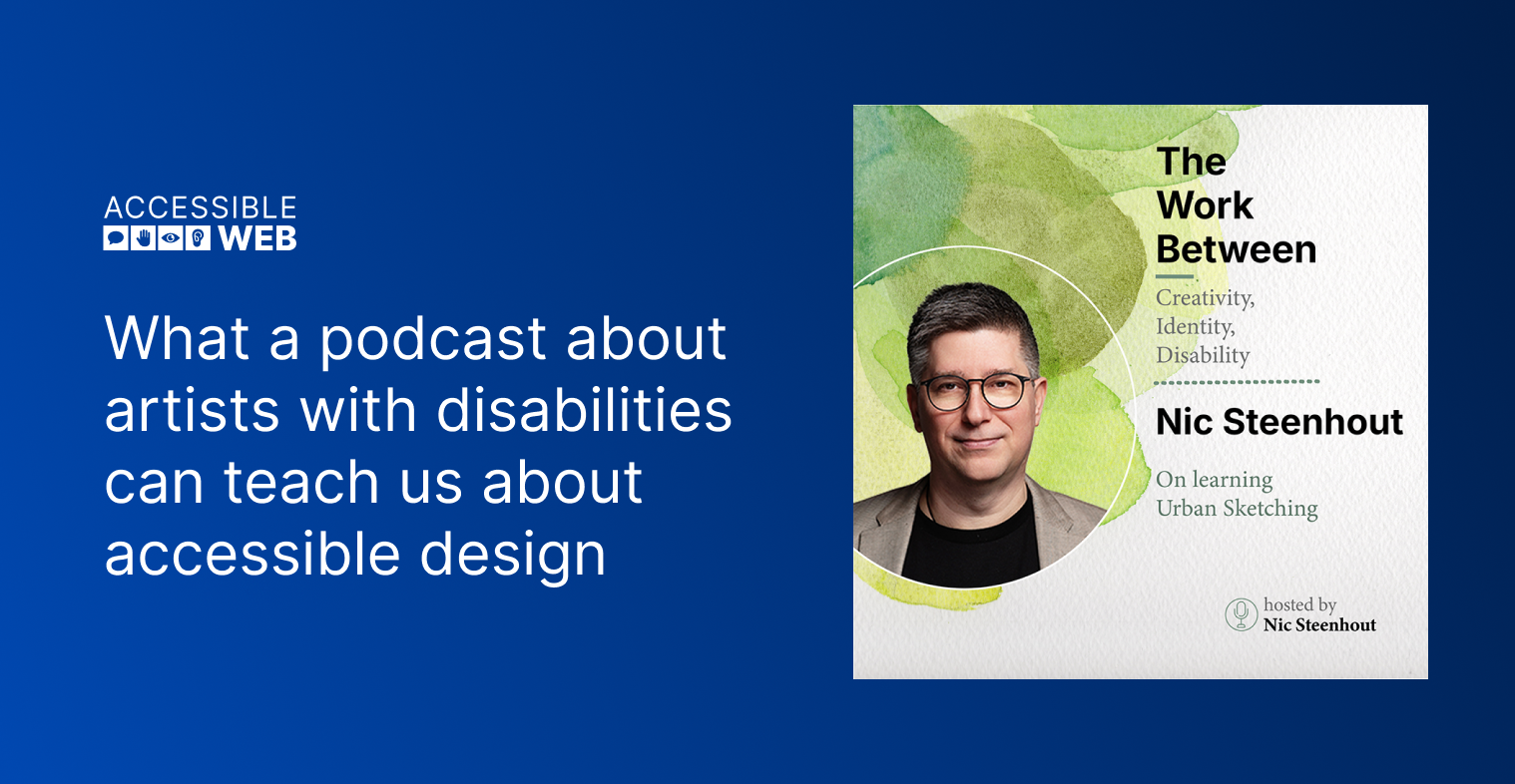
At Accessible Web, we talk a lot about Web Content Accessibility Guidelines (WCAG) success criteria and compliance deadlines, for good reason: they’re the floor everyone has to clear. But every so often it’s worth stepping back from the checklist to remember who it’s actually for. The Work Between, a podcast hosted by accessibility consultant and advocate Nic Steenhout, is a good place to do that. Steenhout talks with painters, quilters, musicians, sculptors, and photographers about the actual, sometimes complicated relationship between their creative practice and their disability. The show’s editorial stance is explicit: these are not inspiration stories, and Steenhout does not platform perspectives that deny the autonomy or dignity of people with disabilities.
That framing matters for anyone who builds or manages digital experiences for creative professionals, artists, makers, and the organizations that represent them. It’s a useful reminder that accessible design for people with disabilities and accessible design for creators with disabilities are not the same brief.
Compliance gets you a usable site. It doesn’t get you a working portfolio.
A painter who is blind or has low vision still needs to show their work online in a way that does justice to color, texture, and composition. That means thoughtful, specific image descriptions, not a generic alt text pass. A quilter with limited hand mobility may need an e-commerce backend that doesn’t assume a mouse-driven, drag-and-drop product upload flow. A musician who is d/Deaf or hard of hearing needs captioning and transcript workflows built into their release process, not bolted on afterward.
An automated scan won’t catch most of this. It will tell you whether your image has an alt attribute. It won’t tell you whether that alt text actually communicates what the artist wants a visitor to understand about the piece. A manual audit gets you closer, since WCAG does ask for meaningful text alternatives, alternatives to dragging, and captions. But WCAG describes the floor, not the craft. Whether a description does justice to a painting is something only the artist can really judge. That’s the difference between checking a box and making accessibility happen.
Designing with, not just for
The recurring theme among The Work Between‘s guests is authorship: creators with disabilities want to control how their disability is represented in their work and online presence, rather than having it explained or softened by someone else. When you’re building a site for a client with a disability (artists, makers, a small arts nonprofit), the accessibility choices work best when the creator has real input. That includes how alt text is written, how audio description is scripted, and how a CMS handles long-form captions. Don’t let an agency make those assumptions on their behalf.
The show’s most recent episode offers a useful way to think about this. In a solo episode on learning urban sketching, Steenhout challenges the usual advice to draw from life, use ink, and skip photos, arguing it assumes a non-disabled body and a brain that can filter out a busy street. He draws a line between scaffolding, the supports you use while learning and can eventually drop, and accommodation, like wheelchair access or noise control, which doesn’t go away as you improve. The accessibility features on a creator’s site are accommodations. They stay, and they need to keep working every time the site changes.
How RAMP helps you keep up
Arts and culture sites change constantly: new work is uploaded, new shows are announced, and new merchandise is listed. Keeping them accessible takes more than a scan. Accessible Web RAMP supports the whole workflow, from finding barriers to fixing them to showing your progress.
- Automated Monitoring and Recommended Tasks: RAMP scans your pages so the missing alt text on a piece uploaded three weeks after launch gets flagged, and Recommended Tasks group similar violations by priority so you know what to tackle first.
- Guided Manual Audit Tool: Built into the Accessible Web Helper Chrome extension, it walks you through every WCAG success criterion test, including the ones automation can’t judge, like whether an image description actually describes the work. Your progress is automatically tracked in the Guided Manual Audit Grid in RAMP.
- Remediation Tasks & Instructions: Turn findings into assigned work, each paired with pre-built Remediation Instructions, so your team knows exactly what to change.
- Compliance Center: See which accessibility laws apply to you, and get a personalized roadmap to achieve compliance.
- Accommodation Request Form: It’s a direct line for visitors, including the artists you work with, to tell you when something isn’t working.
- Accessibility Log: RAMP automatically logs the improvements you’ve made, so your audience can see your commitment is ongoing.
Takeaway
If you work with artists, makers, musicians, or any client whose product is their creative output, it’s worth listening to a few episodes before your next project kickoff. While it won’t tell you anything about Accessible Rich Internet Applications (ARIA) roles, it will remind you that the person on the other side of your accessibility checklist has a specific, personal stake in how their work is seen, and that’s worth designing for as carefully as any WCAG success criterion.
Ready to make accessibility happen?
Whether you’re building for one creator or a whole arts organization, a one-time scan won’t keep up with a site that changes every week. With RAMP, you can monitor every new upload, audit what automation can’t judge, turn findings into tasks your team can act on, and show your progress publicly.
Start your free 14-day trial of Accessible Web RAMP, no credit card required.
Sources
