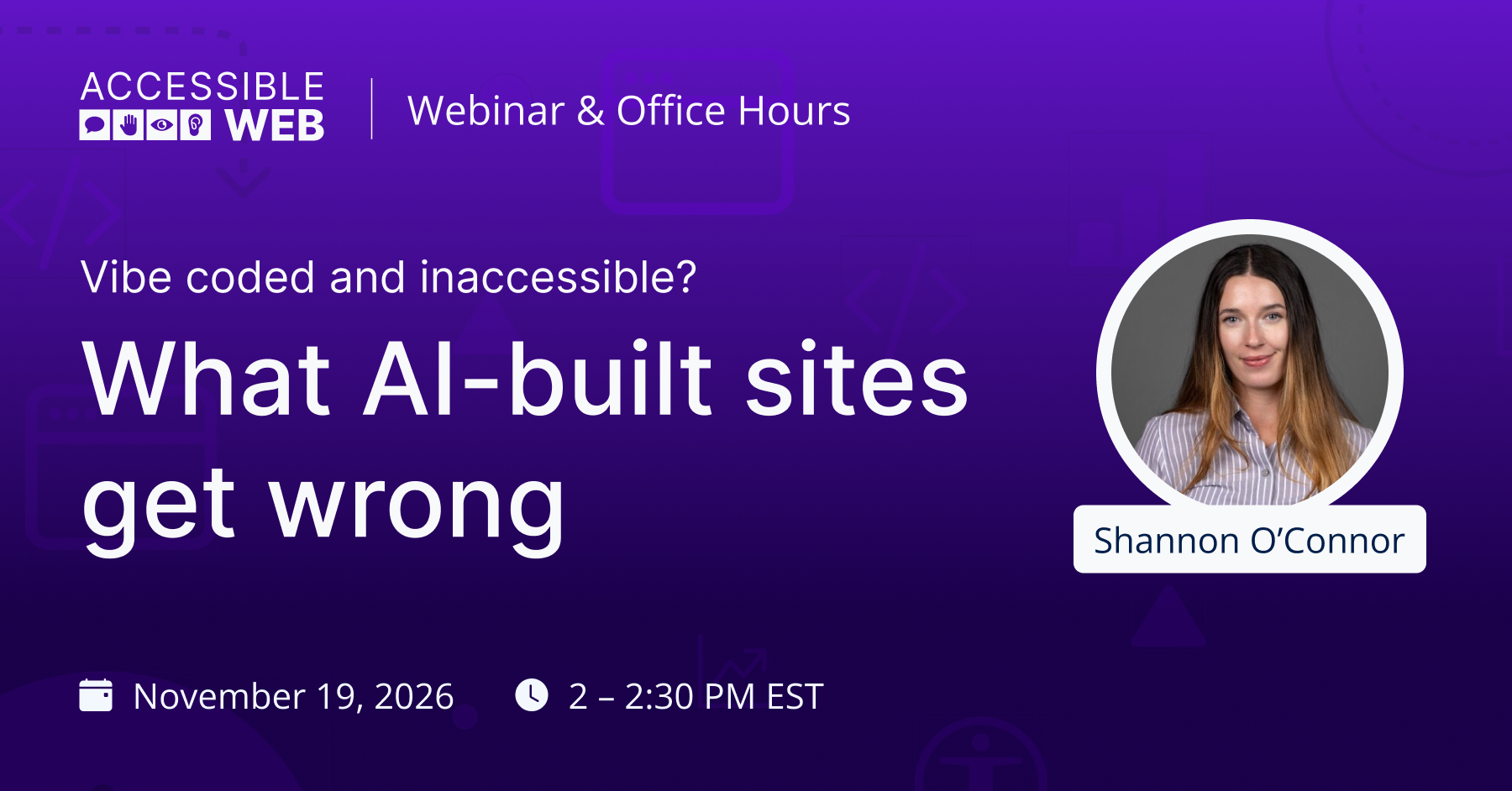
Vibe-coded and inaccessible? What AI-built sites get wrong | Webinar Video
AI can build a working website from a single prompt. Whether that site works for screen reader users and keyboard users is a different question, and the early data isn’t encouraging. WebAIM’s 2026 Million report found that 95.9% of home pages had at least one detectable Web Content Accessibility Guidelines (WCAG) 2 failure, up from 94.8% the year before. WebAIM names AI-assisted coding as one likely factor.
Shannon Oconnor, AI Integrator at Accessible Web, is following up on our earlier webinar, Is AI making the web less accessible?, with a closer look at vibe coding: how common it has become, what it’s doing to accessibility, and what you can do about it if you’re building with AI.
What we’ll cover:
- How widespread vibe coding is, including among people shipping software with no formal programming background
- WebAIM data on growing page complexity and the accessibility errors that come with it
- Findings from the AIMAC report on how different AI models perform on accessibility, and why simpler models tended to produce more accessible pages
- Whether adding accessibility guidance to your prompts actually improves the code you get back
- Practical ways to protect accessibility in vibe coded sites, starting with keeping things simple
Building with AI yourself, or reviewing work someone else built with it? Bring your questions. We encourage you to ask them live throughout the session!
Recording
Watch on YouTube for the full transcript.
Q&A
-
AI will scale whatever practices you already have in place.
Someone without much of a programming background probably isn’t aware of many coding best practices, so it makes sense they wouldn’t know accessibility best practices either. Awareness of accessibility is a problem even among experienced developers, so it likely extends to people building through prompting.
The first step is making sure whoever is coding, with AI or otherwise, knows accessibility best practices and requirements at least at a surface level, and knows they need to target WCAG conformance.
If they aren’t very familiar with accessibility, use automated tools like the Accessible Web Helper Chrome extension and Accessible Web RAMP to check the code before putting anything live in front of other people. The Chrome extension also gives helpful tips on things to check.
After automated testing, complete a full manual audit before any product goes live. This applies to vibe-coded sites and hand-coded sites alike.
-
Only code things you can understand. If AI is building things you couldn’t have built, understood, or picked apart on your own, using your own knowledge of the code and the element’s structure, it’s probably not as simple as it should be. If you build it anyway, you’ll need extra checks.
One trend we’re seeing is that complexity is increasing. These tools let developers build things very quickly that they couldn’t have built in that time before, often without extra quality checks. That’s what you want to avoid.
Build quality checks into your development and release cycle, and only build things you can understand and maintain.
The more complex models tend to do too much by default, so you want to rein them in. Give the model limits, like how many elements the thing you’re building should have or what page weight to target.
You can also use a simpler model, which saves you tokens too.
-
At this point, accessibility can’t be fully automated out of the development cycle. You still need to keep accessibility in mind, because you’re doing it for other people.
Digital accessibility is only one part of offering an equal experience. Some considerations go beyond how your website is coded, like feedback mechanisms and support channels for people who run into barriers or usability challenges.
So at least for now, a person needs to be in the loop to check accessibility and verify it.
Part of the issue is that AI scales what we’re already doing. The internet before AI wasn’t accessible by default, so when AI learned to write websites, it mostly learned from sites that weren’t accessible.
If the baseline of what’s out there improves, AI may start to copy those better patterns. It’s hard to say, though, and there isn’t a clear answer yet.
-
It depends on how you’re using AI. We work with RAMP users who use AI in different ways, like automating some remediation work or running scans with AI. If you’re only running automated scans, you don’t necessarily need AI, because well-vetted automated scanning rule sets already exist.
If you’ve built your own internal scanning system, RAMP adds a QA layer. It’s also, critically, a documentation layer.
Your accessibility knowledge needs to live somewhere. To do your due diligence and reach and maintain conformance, you need a source of truth for what you’re doing. For many teams, RAMP is that place.
RAMP adds another layer of automated scanning, which shows that scans run on a regular schedule. It also documents manual audit results and your overall conformance status in one central location.
RAMP also gives structure to your feedback mechanism. Customer support channels and feedback mechanisms let users request assistance and report barriers. Documenting that assistance in one place gives you a paper trail of your accessibility work if questions come up.
Accessibility is a moving target. The standards aren’t what’s moving, but your web assets and the platforms they run on change over time. That’s why you want QA checks built in for the long term. Accessibility isn’t a project you put down and pick back up. It needs continual attention.
RAMP also supports manual auditing. If you audit in-house, with our Guided Manual Audit Tool or your own process, RAMP keeps those results in one place with everything else. If our team does your audit, we deliver and manage the results in RAMP. That keeps reporting up to date as a living document as remediations are completed, and lets us verify fixes as they’re marked ready for review.
So alongside your in-house AI tools, RAMP acts as an extra QA layer and a source of truth. How you use it depends on where you are in your accessibility journey, and many teams use it to ramp up and scale their accessibility practices long term.
-
Failing manual audit tests would be that evidence. So would a user with a disability coming to the site and having an inaccessible experience.
Automated accessibility checks won’t give you the full picture. You always need some level of manual assessment. Almost every WCAG success criterion has parts that involve human interpretation.
We do accessibility for other people, not just for the computer. So you need people in the loop checking that the site is actually accessible.
Don’t treat looking good, passing automated checks, and seeming to work for users who don’t use assistive technology as confident signs that a site is accessible. Only thorough manual audits of a representative sample of screens, covering the site’s essential code and functionality, can give you that confidence.
-
Probably not. In one of the papers we looked at, the most basic accessibility-oriented prompt was more or less that. On some sites, it led to a slight improvement. On others, it made things slightly worse.
These models don’t give you a deterministic outcome, so results vary a lot. It might help a little, but if accessibility is your goal, don’t rely on it.
In our reading, the accessibility-oriented prompts that actually helped focused on specific elements. For example, if your site has a list, tell the model to use the correct HTML list tags for list elements. You can also tell it to add alt text to images and to use headings in the right order.
You can guide the model toward accessibility, but you need to tell it specifically what that means.
Don’t paste the entire WCAG website into your prompt, either. That overloads the context and won’t help.
-
Skills could help here, and they make sense as a place to start. People are approaching this in many different ways.
Still, nothing at this stage is 100%. Be careful about building things you can’t fully understand and shipping too fast. At the end of the day, you still need a human checking the site to make sure it’s truly usable.
Skills are worth experimenting with. But don’t rely on them as a well-vetted way to put firm guardrails in place for your team. There hasn’t been enough time to thoroughly vet them and see how this plays out. We don’t know of any skill that’s been vetted to the degree we’d need to trust it as a solution.
There are also so many skills out there, and none has been around long enough to become established as the best or commonly accepted. Like a lot of AI tools, it’s still a bit of the Wild West.
If you find a tool that helps and you have good experiences with it, great. But don’t trust it fully. Keep humans in the loop and do manual checks. Accessibility is for other people, and a person needs to check it.
-
Have open, transparent conversations about the risk and liability they’re bringing into the organization.
If they plan to sell the product to other organizations, they’ll very likely get accessibility questions during procurement. Eventually, their sales team will ask for a VPAT.
We’ve worked with several companies this year that spun up a product quickly with AI, then couldn’t sell it because their customers required a VPAT. When the VPAT came back, it didn’t look good. Now they have to pay for remediation and rework on top of a manual audit. Rework is always the most expensive part of an accessibility project.
If they’re covered by the ADA, they also risk lawsuits. Once that starts, it usually happens repeatedly, because they’re now under scrutiny.
Assuming your product doesn’t need to be accessible is short-sighted. You don’t know who’s using your product. You could be excluding 20% or more of people and shortchanging your potential market share.
-
Keep people in the loop. With anything related to accessibility, somebody needs to be in the loop.
AI can make web development more efficient, and accessibility work by extension. It’s worth experimenting with, but you still need people doing manual audits.
Think about the knowledge and expertise on your team and how you can grow it over time with support from AI. Don’t use AI to replace that expertise or to build products outside your skill set.
Also, consider accessibility from the start, not as an afterthought. Whether you’re coding by hand or vibe coding, keep it front of mind and watch complexity. Don’t build things no one on your team can understand.
Accessibility can be part of the earliest stages of design and development. Planning your product with accessibility in mind saves a lot of time and rework down the line. We offer design-stage reviews and our Figma Annotation Kit to help bring those considerations in early.
We also encourage you to scan and test on staging sites before anything goes live.
Think about accessibility early, think about it often, and build it into your practices holistically.
-
AI will scale whatever practices you already have in place.
Someone without much of a programming background probably isn’t aware of many coding best practices, so it makes sense they wouldn’t know accessibility best practices either. Awareness of accessibility is a problem even among experienced developers, so it likely extends to people building through prompting.
The first step is making sure whoever is coding, with AI or otherwise, knows accessibility best practices and requirements at least at a surface level, and knows they need to target WCAG conformance.
Use the automated tools in Accessible Web RAMP to check the code before making anything live in front of other people as a first pass.
Automated scans can only catch a portion of accessibility issues, so you’ll have to follow it up with manual testing prior to launch. Keeping a human in the loop is key when working with AI.
