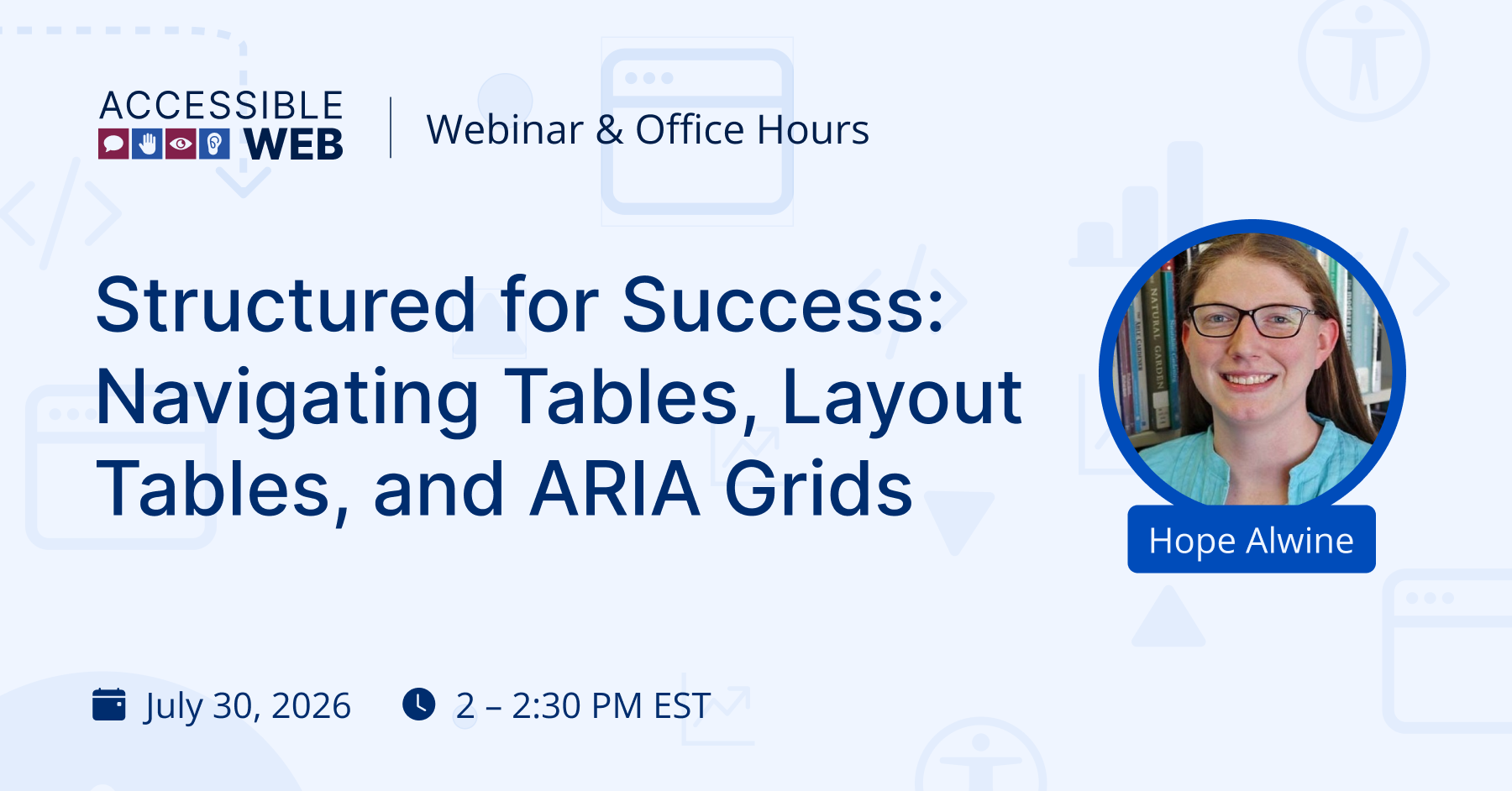
Structured for Success: Navigating Tables, Layout Tables, and ARIA Grids | Webinar Video
When designing or building web applications, organizing content into structured layouts is a daily task. But for accessibility specialists, developers, and designers, one question comes up time and time again: Is this a data table, a visual layout, or an interactive ARIA grid?
It’s easy to see why confusion arises. While standard HTML data tables are designed for structured, tabular information, using them purely for visual alignment—or misusing interactive ARIA grid widgets—can create frustrating navigation barriers for screen readers and keyboard users.
Choosing the right pattern (and implementing it correctly) isn’t just about passing a WCAG audit—it’s about ensuring every user can consume and interact with your data smoothly.
What We’ll Cover in the Webinar
In our upcoming live session, Hope Alwine, Digital Accessibility Specialist, will break down the mechanics of table structures, screen reader interpretations, and correct markup practices.
Whether you’re building basic pricing matrices or complex web app UI components, this technical-friendly session will guide you through:
- Key Differences Explained: Knowing exactly when to use a standard table, a presentation layout, or an interactive ARIA grid.
- Proper Implementation Best Practices: How to correctly markup headers, relationships, and ARIA roles so screen reader users can navigate complex datasets effortlessly.
- Assistive Technology Mechanics: Understanding how screen readers announce cell relationships versus interactive grid navigation.
Our webinars are followed by a Q&A session, so bring any accessibility questions, and we’ll see you there!
Can’t make the live session? Register anyway, and we’ll send the recording and resources.
Webinar Video
