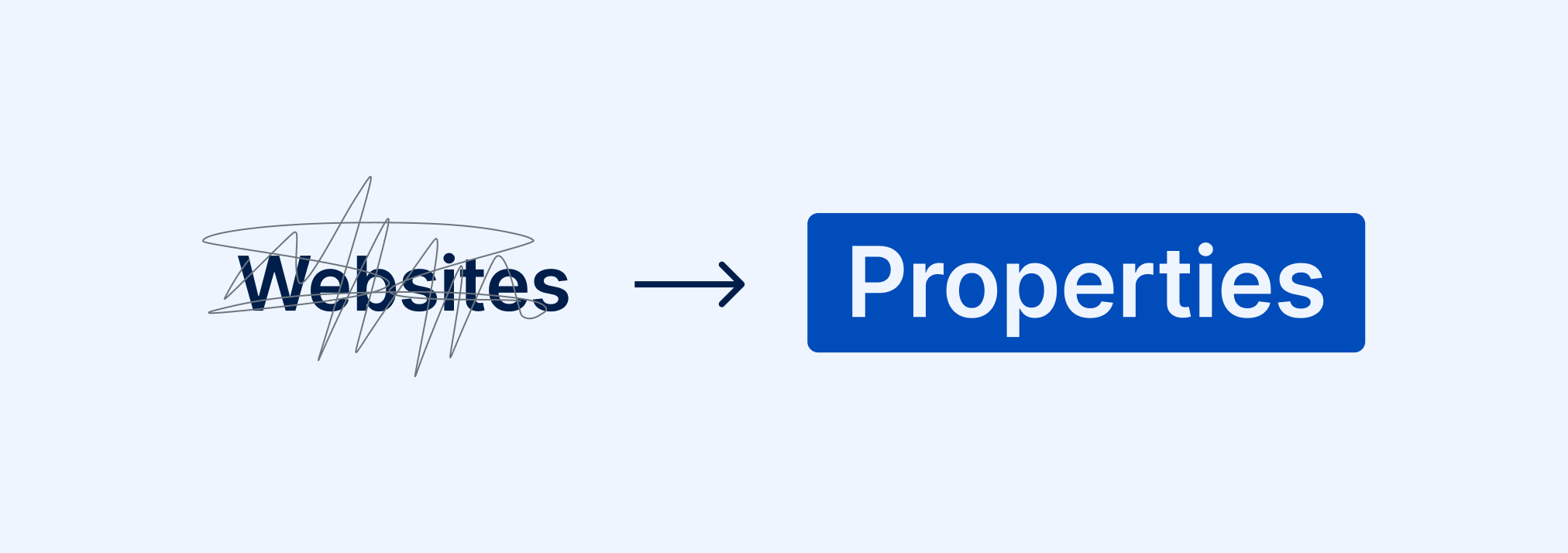
Websites are now properties in RAMP. Here’s why
Log in to Accessible Web RAMP, and you’ll notice something looks different. “Websites” is now “Properties” wherever the label used to appear in your account.
What actually changed
Just the word. Every place that used to say “website” now says “property.” Your scans, data, and the way the RAMP bot works behind the scenes haven’t changed.
Why we made the switch
“Website” is not quite the right word for everything RAMP helps you manage. Digital accessibility today spans a lot more than public-facing web pages. One property might be a marketing site, but another a customer portal, or a SaaS platform, none of which really fit under “website,” but all of which need the same accessibility work done on them: the Compliance Center to map out what applies, Recommended and Remediation Tasks to organize the fixes, the Guided Manual Audit Tool for what automated scans can’t catch, the Accessibility Log to show the progress. “Property” gives us room to talk about all of it, and it sets up the next step for where RAMP can do that work.
In October, we’re launching Authenticated Scanning: the ability for RAMP to scan properties that sit behind a login screen or a cookie banner, places the bot couldn’t reach before. This label update is the visible part of that work.
Want to start sooner? We can set up Authenticated Scanning on your account now, on the backend, ahead of the general rollout. Get in touch
A few questions you might have
- Did this change how the RAMP bot scans my site?
- No. Scanning behavior is the same.
- Does this affect my existing data or setup?
- No.
- Can I scan my other digital properties now, like web applications or portals behind a login?
- The full version of Authenticated Scanning is coming soon, but you can request early access today.
See for yourself
Already using Accessible Web RAMP?
New to Accessible Web RAMP?
