Free Website Accessibility Checker
How many violations are on your page? Enter a URL below and generate a free report using our web accessibility checker.
Page Scan Results
Get Your Full Website Score with a Free 14-Day Accessible Web RAMP Trial
Your All-In-One Web Accessibility Testing Software
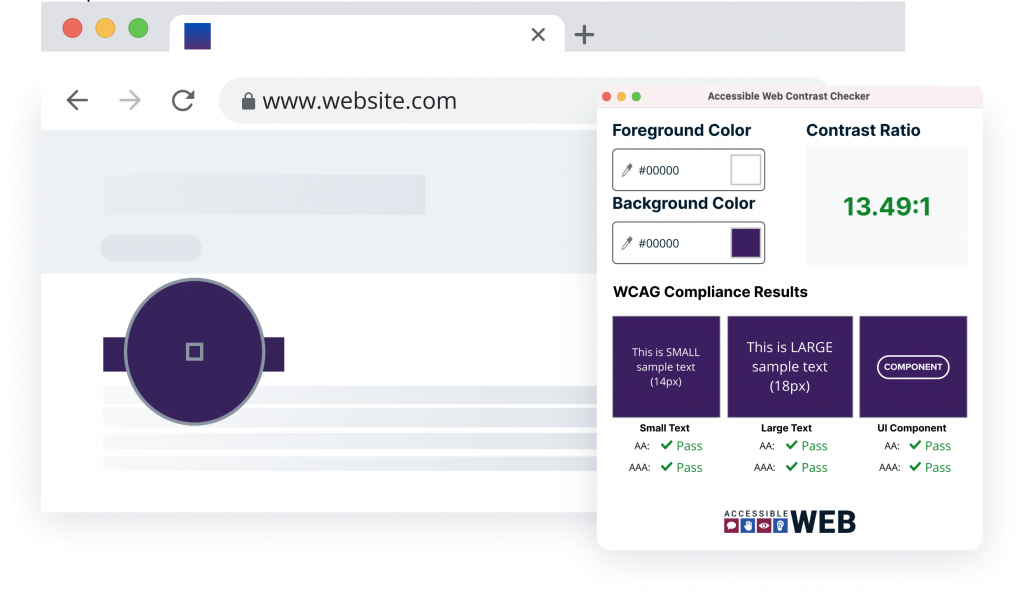
Check Web Pages
Accessible Web Helper provides web accessibility tools in your browser, including scanning website pages for WCAG failures, highlighting elements, and checking the contrast ratio of elements on the page. Download from the Chrome Web Store
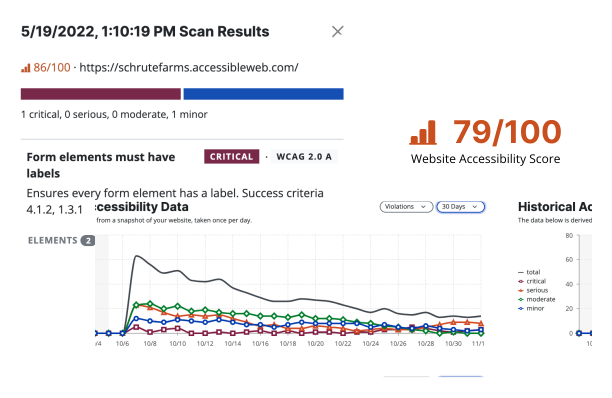
Scan & Fix Full Websites
Sign up for a free trial of Accessible Web RAMP to access our full suite of tools and support, empowering your team to make rapid progress on improving your website accessibility.
From startups to global brands, the trusted choice for web accessibility






FAQ
-
An accessibility checker is a software tool, often a scanner or browser extension, that automates testing to identify Web Content Accessibility Guidelines (WCAG) violations on a website. Accessible Web RAMP uses an industry-standard scanning engine for these automated tests, providing an easy and quick first step in finding digital accessibility violations.
-
Accessible Web RAMP performs accessibility testing by integrating the industry-standard axe-core scanning engine with W3C WCAG compliance standards into one comprehensive platform that continuously monitors your web properties for new and existing violations. Violations appear prioritized by severity and occurrence, along with instructions on how exactly to fix them.
-
Jump into a free trial of our platform RAMP. Upon sign-up, scanning of your platform will begin. After page ingestion, violations will appear by occurrence and severity. Next, conduct a full manual audit using a structured tool set like the RAMP Manual Audit Tool and Grid to uncover 100% of all issues.
-
To check website WCAG accessibility standards, you should start with an automated accessibility checker like Accessible Web RAMP or the Helper Chrome Extension for initial scanning. However, since automation cannot catch all issues, you must follow up by performing a full manual audit using a structured tool or third party, such as RAMP’s Manual Audit Grid, to ensure you uncover 100% of the WCAG violations.
-
To check the accessibility of a website in Chrome, use the Accessible Web Helper Chrome browser extension. This tool provides instant on-page automated scanning and failure highlighting. It also includes an in-tool color contrast checker and the Guided Manual WCAG Audit Tool for performing an entire manual audit directly within your browser tab.