Simple Synchronization
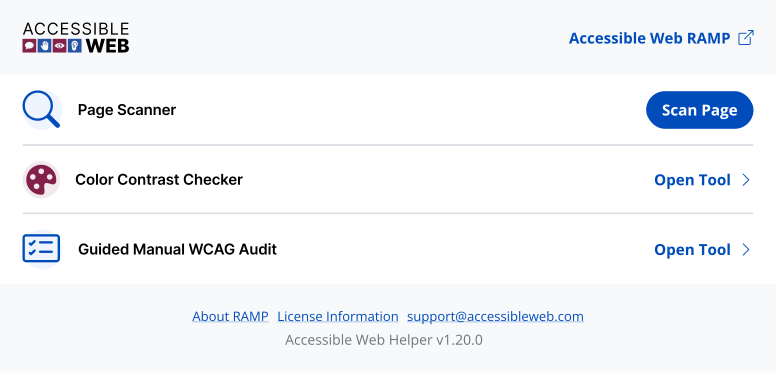
Accessible Web Helper syncs effortlessly with RAMP. Our browser extension helps you manage accessibility efforts by integrating tasks between your website and RAMP.
axe-core is a trademark of Deque Systems, Inc. in the US and other countries.
Highlight Violations Directly on the Page
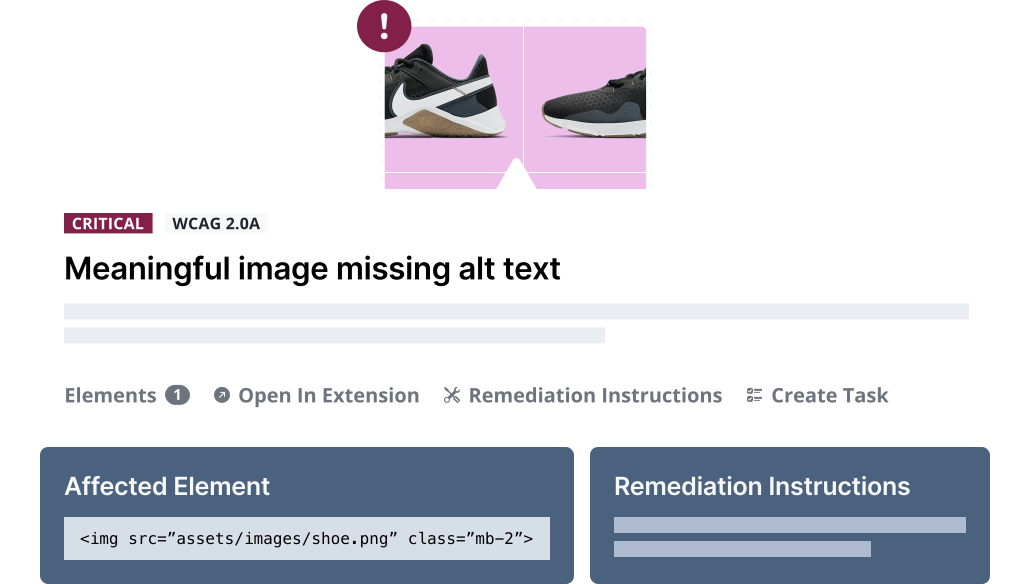
Pinpoint the source of the issue by launching the extension directly from a violation or task in RAMP.
Export Tasks Straight into RAMP
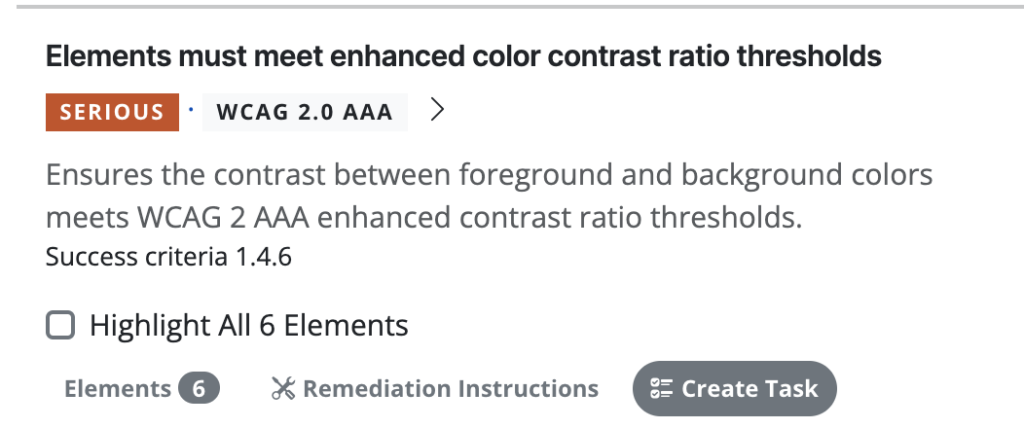
With its built-in page scanner, you can identify violations on any page and instantly create tasks within RAMP with a simple click.
Your Manual Auditing Assistant
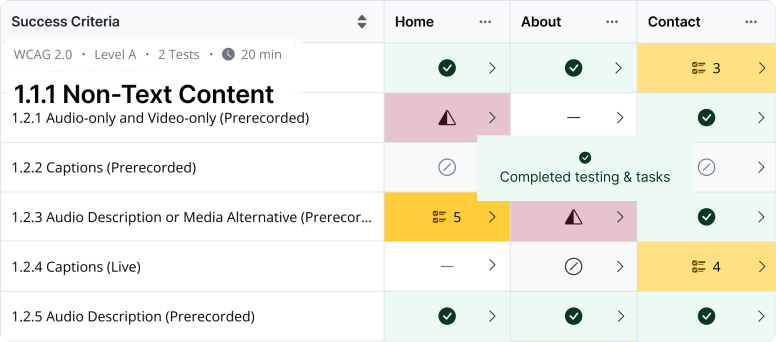
Use our Guided Manual WCAG Tool to complete a full or partial audit based on the WCAG ruleset of your choice. Identify violations, send them to RAMP, and become an accessibility pro. Whether you need to conduct a full audit, focus on specific pages, or trigger scans directly from your browser, our accessibility browser extension provides the flexibility and functionality to meet your needs.
This feature is available on all Accessible Web RAMP plans.
Ready to Get Started? Try RAMP for Free
Sign up for a free 14-day trial of RAMP and start discovering web accessibility issues on your website within minutes.
(14-day free trial – no credit card required)
Hear directly from our customers

“We’ve used DevTools in the past, but this allows us to enter data and group multiple pages together from one site in our account.”
— Jeffrey R.
“I really enjoy being able to get an idea of the various accessibility failures of a given page so simply. I love that it’s built on the aXe core, so I trust the standards it applies…”
— Deneb P, Developer
“Being provided with the troublesome code, suggested remediation and the ability to rescan individual pages to confirm successful remediation has been huge.”
— Joshua B, Developer
FAQ
-
Turn your scan results from Accessible Web RAMP’s automated monitoring into remediation tasks. Each task includes remediation instructions, associated pages, failure descriptions, and code snippets, allowing your team to organize and assign work for fixing the issues.
-
The Guided Manual WCAG Audit Tool is a feature available within the Accessible Web Helper browser extension. It provides a structured workflow for performing a manual WCAG audit, helping users to uncover 100% of accessibility violations with built-in guidance directly in your tab. You will be able to sync violations to RAMP, so your entire team can tackle how to fix them. Tasks integrate with the Guided Manual Audit Grid, which serves as an accessibility checklist.
-
An accessibility overlay is a term for a script, often a single line of code or a widget, that claims to fix all accessibility issues automatically. Accessible Web instead focuses on providing real accessibility through our platform and services, not an overlay. We help you achieve compliance and inclusive experiences through genuine remediation work managed within the RAMP platform.
-
Color contrast can be checked directly within our tools. The Accessible Web Helper browser extension includes an in-tool color contrast checking feature. We also offer a standalone Color Contrast Checker to check the ratio for pages, designs, and logos. Text color contrast should typically have a minimum contrast ratio of 4.5:1. Read our color contrast guide for more information.
-
Testing website accessibility is achieved through a combination of workflows. Automatic scanning catches a portion of violations. Automated testing uses tools, like the RAMP platform or our Chrome Extension. Use the Accessible Web Helper Chrome browser extension in combination with RAMP for on-page automated scanning and failure highlighting.
To catch the rest of the violations, a full manual audit is needed. This can be achieved by a self-audit using the Manual Audit Tool and Grid in RAMP. You can also use professional third parties to audit your property, such as our WCAG Audits. Finally, assistive technology checks performed by native users should test your property.