From startups and agencies to global brands, the trusted choice for accessibility





Accelerate Accessibility
Accessible Web makes it easy for teams to create website applications that stay compliant and consistent. Get ready to build accessible web applications that meet ADA, EAA, and other accessibility laws and regulations.
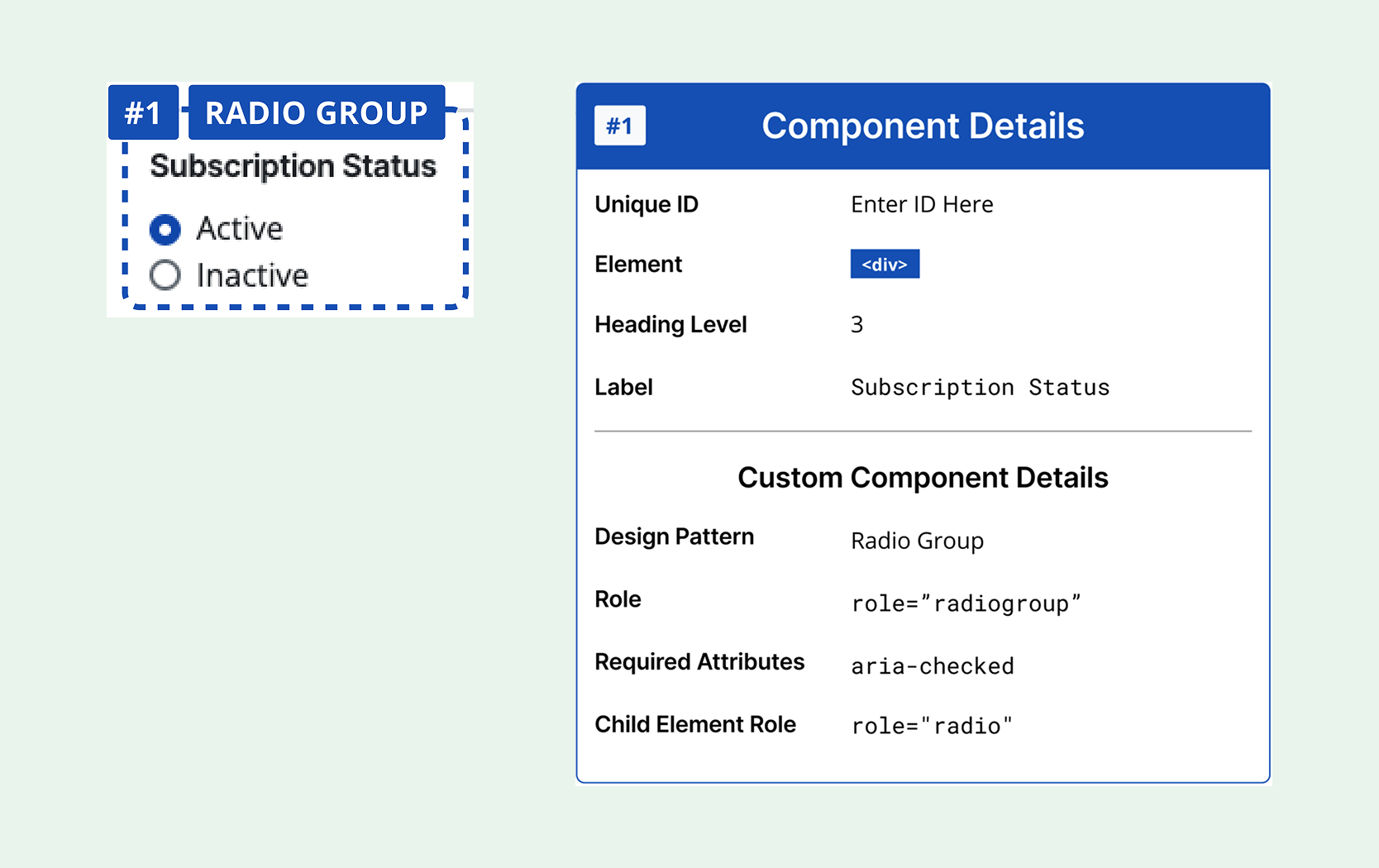
Figma Annotation Kit
Gain guidance for accessible components with our Figma Annotation Kit. It’s time to create accessibility-focused designs directly within your Figma projects.
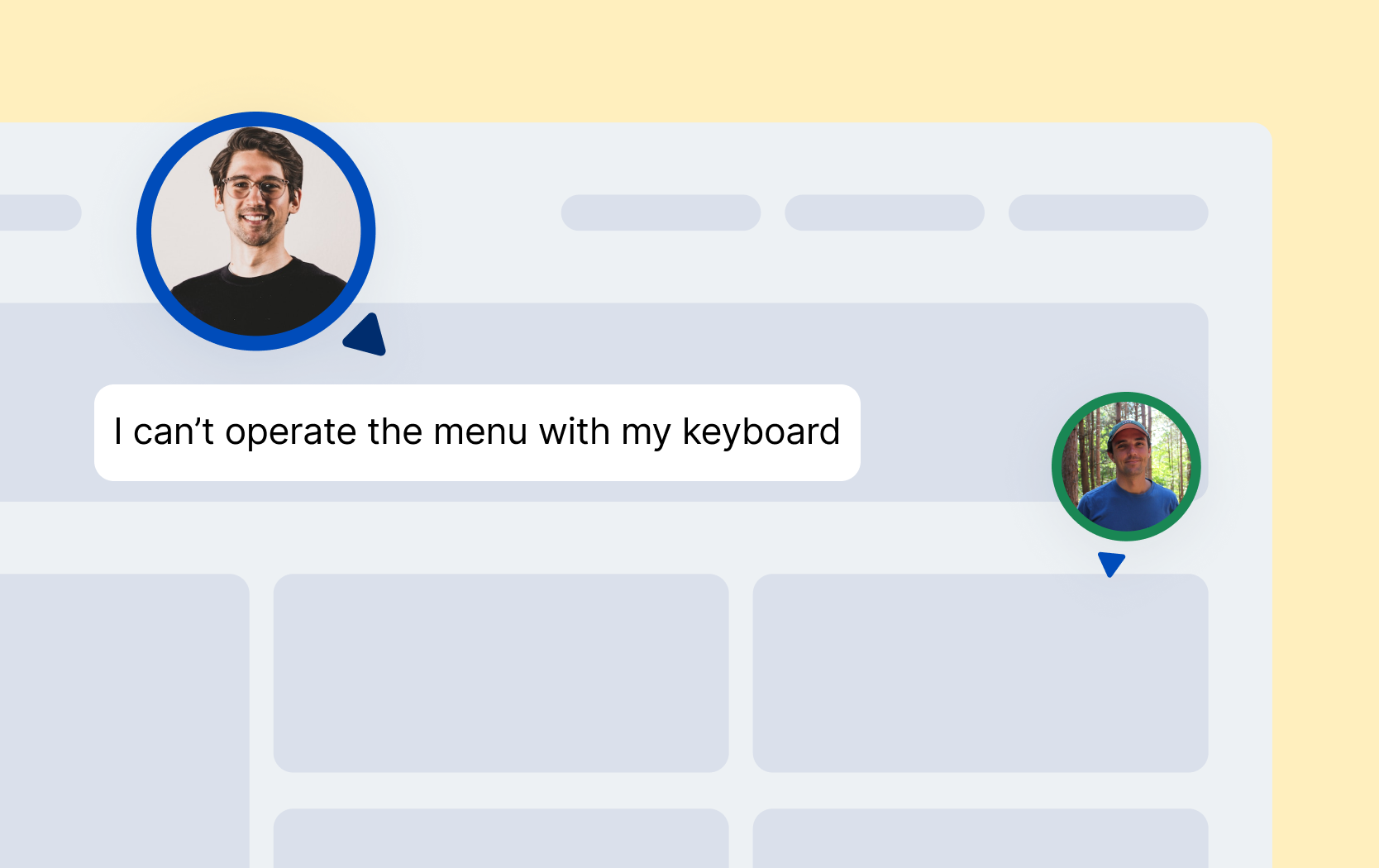
Real Users. Real Results
By having our native assistive technology users test your web application, you’ll know your app works for every user. They’ll uncover real-world usability barriers that other forms of testing miss.
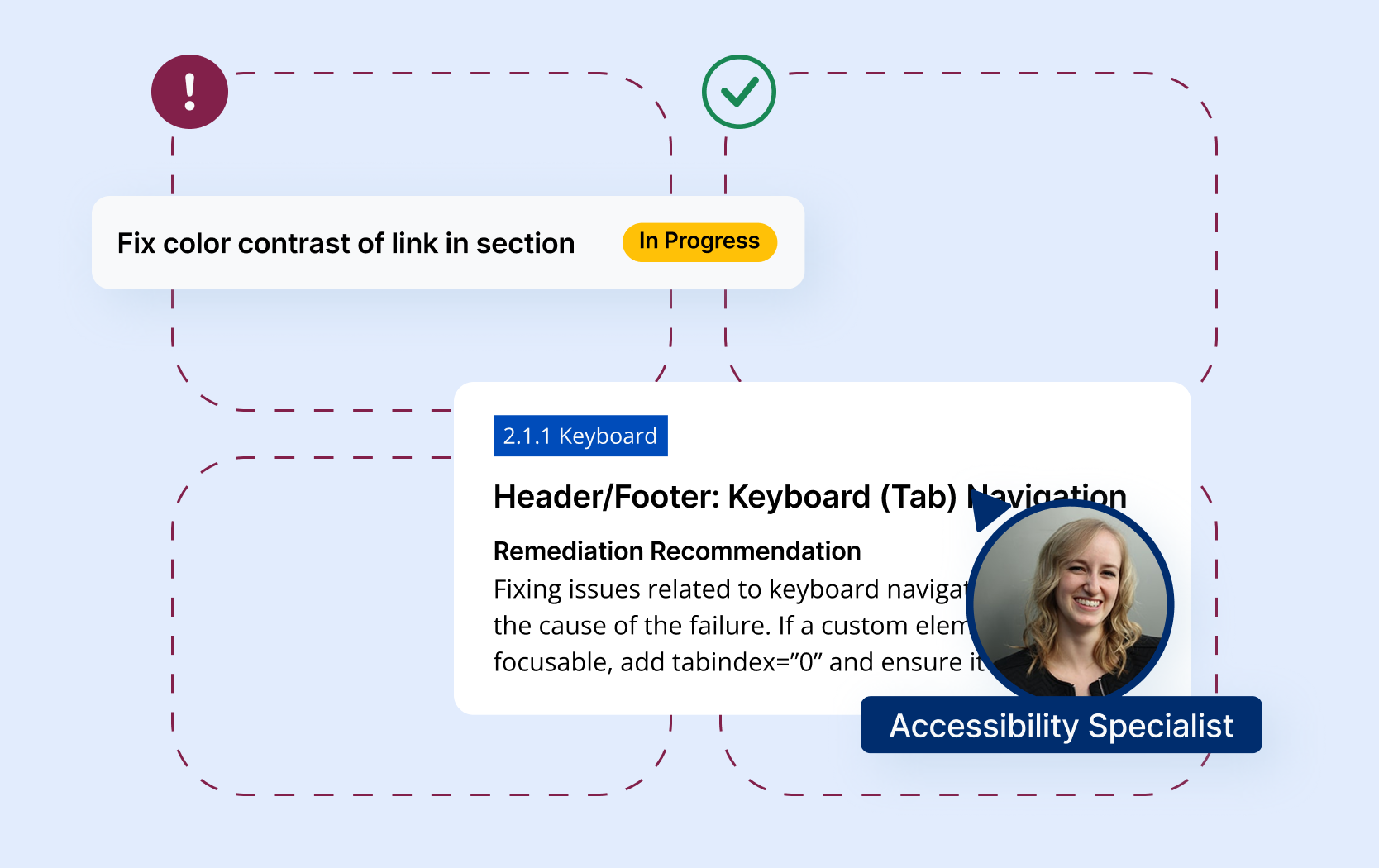
Know Where You Are,
And Where You Need to Go
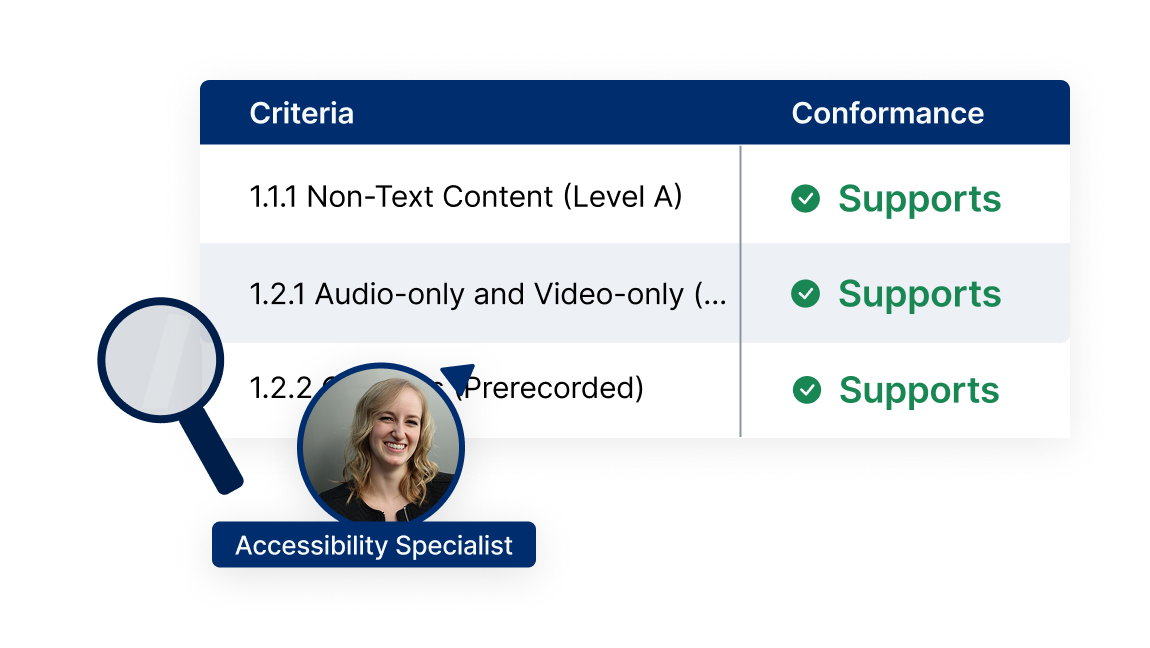
Our WCAG audits give you an accurate snapshot of your accessibility status now, and what exactly to do to get where you need to be.
More Accessibility Tools
Accessible Web RAMP is your accessibility partner. We do more than find violations. We teach you accessibility as you make your site compliant.

Manage & synchronize accessibility tasks.
Uncover 100% of accessibility violations.

Supplement your knowledge with an assigned accessibility specialist.
Real-time page analysis, task synchronization, and more.
Resources
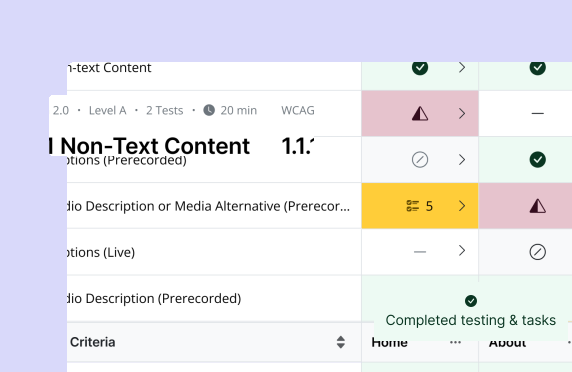
Blog: Scoping Your Accessibility Audit the Accessible Web Way
How to define the scope of your accessibility audit and estimate costs, a practical walkthrough for planning audits in a smart, budget-aware way.
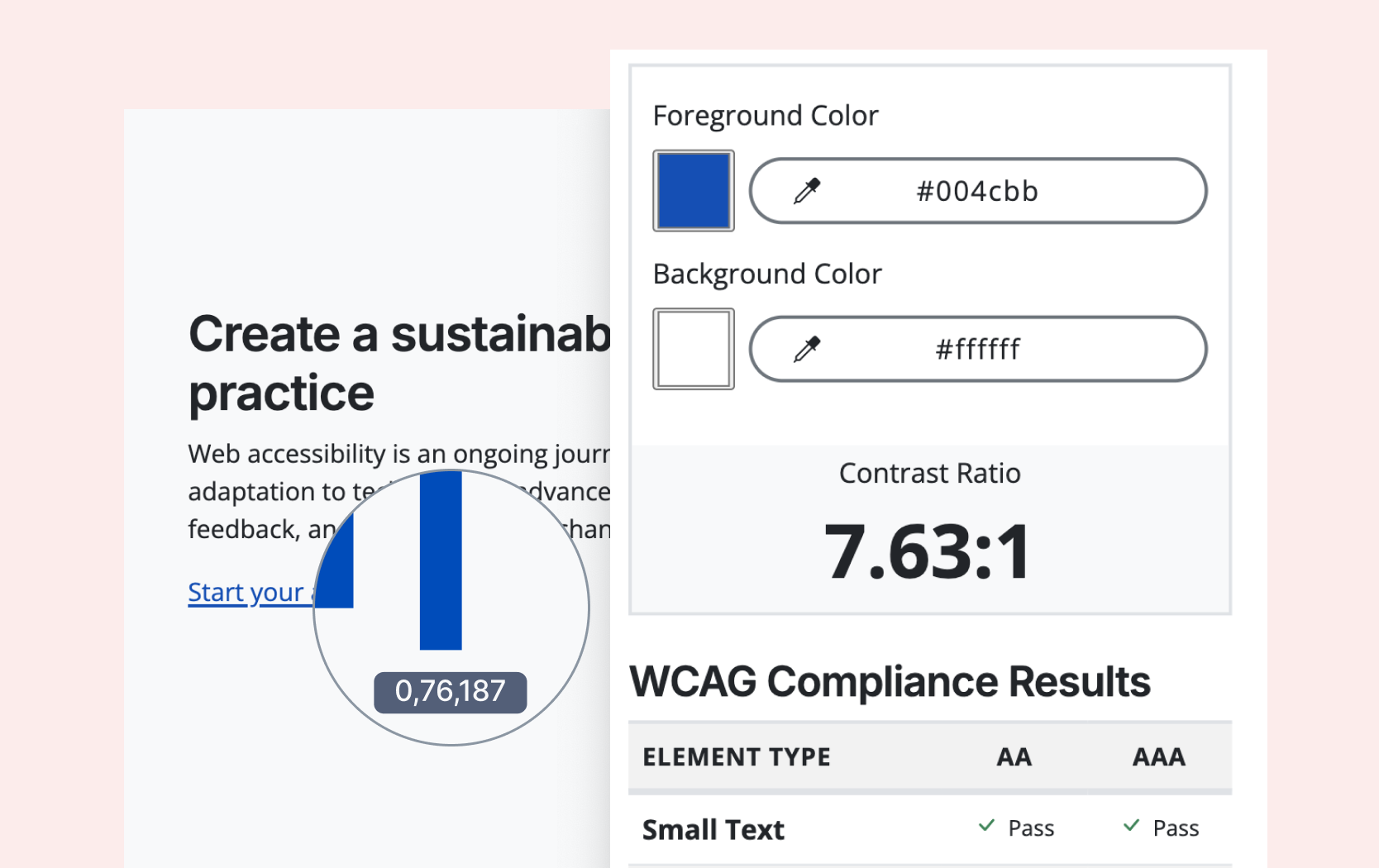
Free Tool: Color Contrast Checker
Test any color combinations to see if they meet WCAG contrast requirements, ideal for agencies and designers ensuring accessible color choices.
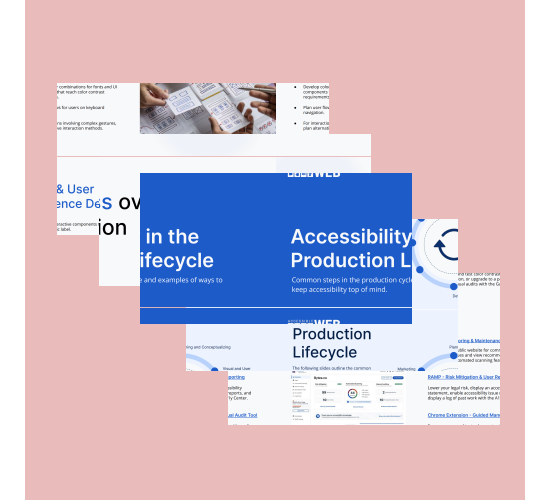
Guide: Accessibility in the Production Lifecycle
How to integrate accessibility at every stage of the production lifecycle, from planning and design to development, testing, & launch.
Webinars
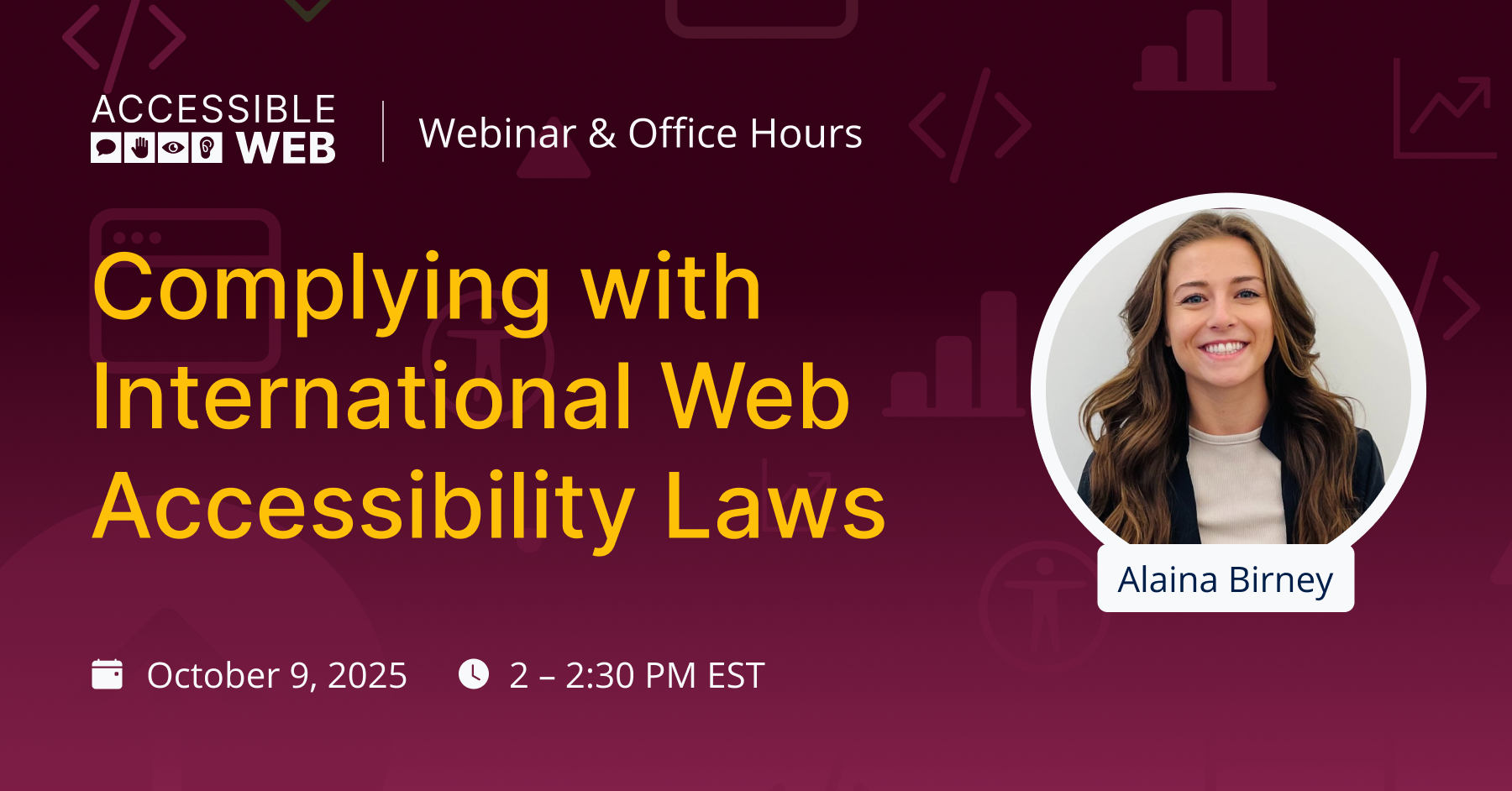
Complying with International Web Accessibility Laws
It’s been a busy year for international web accessibility laws and regulations deadlines around the world, and many more are on the horizon.
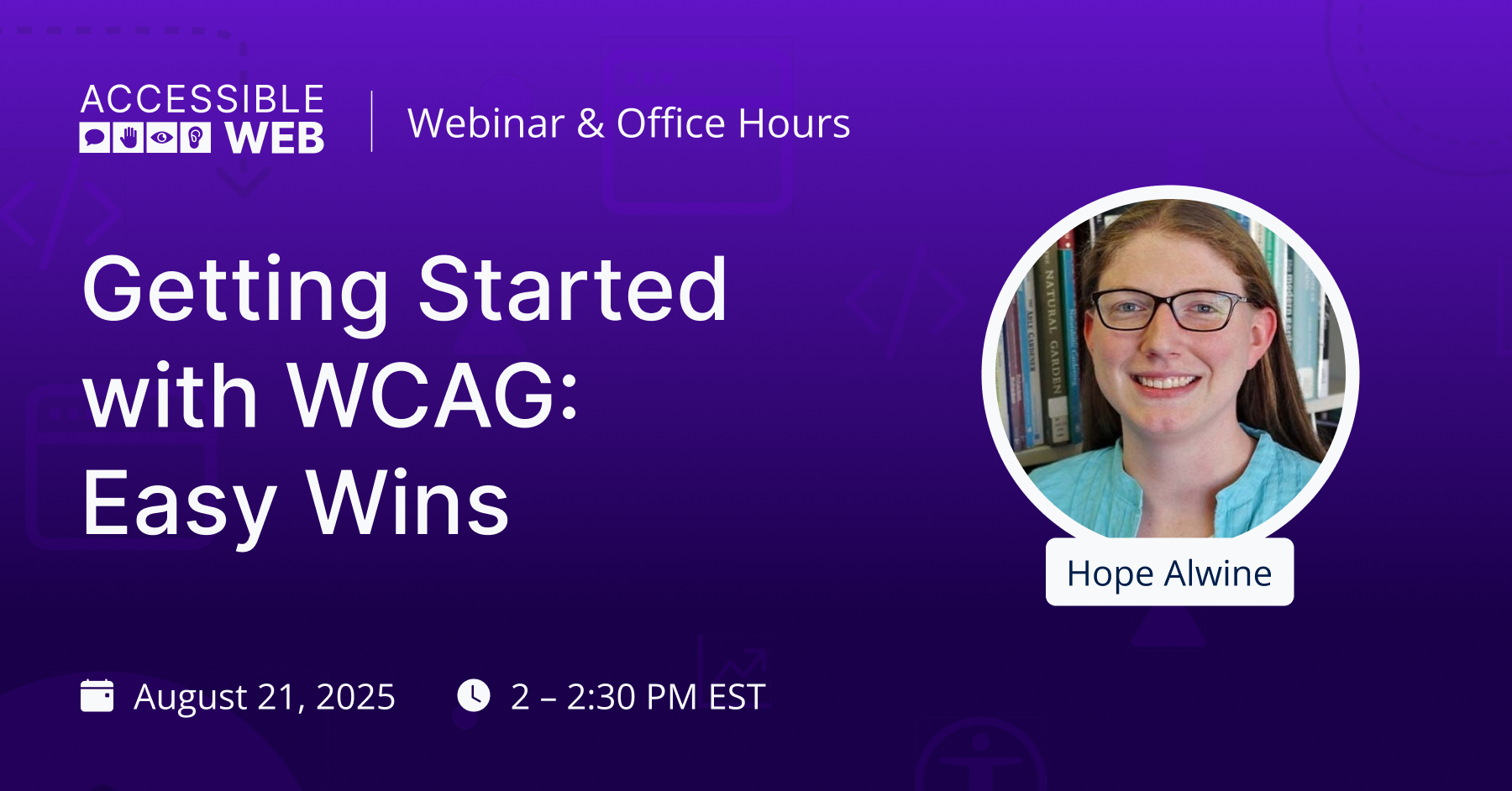
Getting Started with WCAG: Easy Wins
Quick, easy-to-implement accessibility checks aligned with WCAG standards, giving you actionable tactics you can apply immediately.
FAQ
-
When using Squarespace, Shopify, Wix, and other third-party e-commerce platforms, choose an accessible template where possible, use proper headings, add alt text, ensure strong contrast, and caption your videos. Keep forms and navigation simple and keyboard-friendly. However, you will still need to test for accessibility.
-
The easiest way to get started is by using an automated scanner, such as Accessible Web RAMP. To uncover every violation, you’ll need to include manual auditing, including testing manually with a keyboard and screen reader.
-
A website is considered accessible when everyone can read, navigate, and use it. In practice, this means the use of clear headings, alt text, WCAG-passing color contrast, keyboard-friendly navigation, and content that works with assistive technologies.

“Best solution I’ve found for continuous accessibility monitoring.”
— Deneb, Developer




Ready to Get Started? Try RAMP for Free
Sign up for a free 14-day trial of RAMP and start discovering web accessibility issues on your website within minutes.
(14-day free trial – no credit card required)