From startups and agencies to global brands, the trusted choice for accessibility




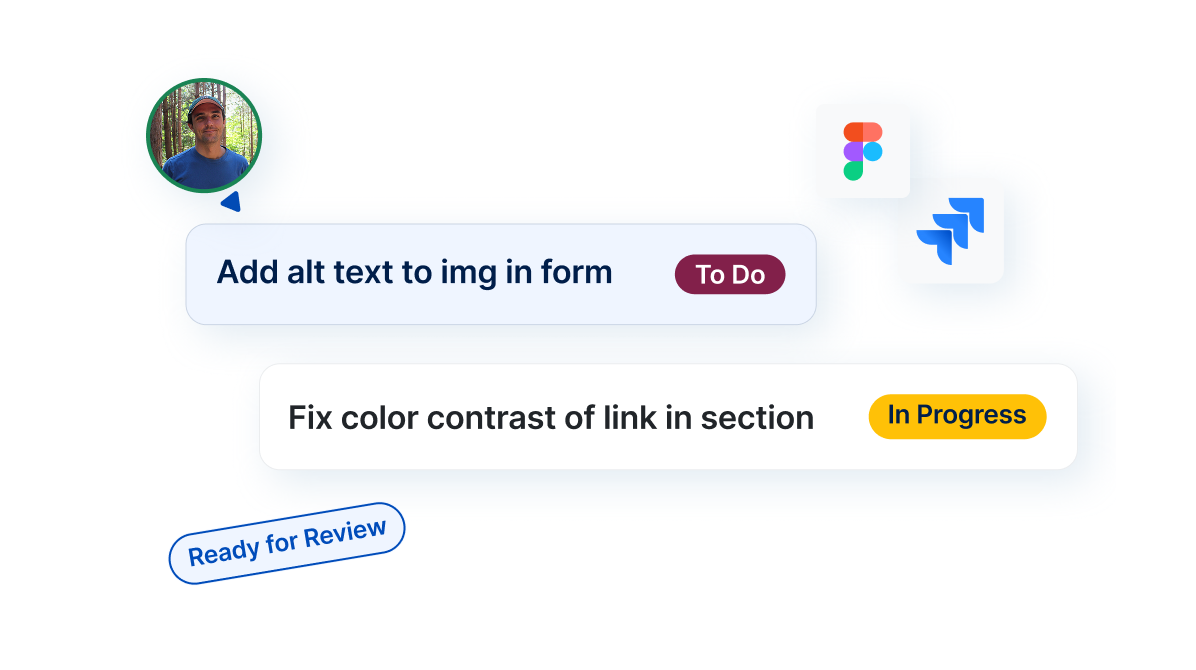
Crush the Backlog
Struggling to make your product accessible? Feeling too slow? Accessible Web is here to help you accelerate your accessibility journey from start to finish with automatic scanning, built-in WCAG instructions, automated recommendation action items, and much more. Tackle violations as a team in one spot, together.
Take the Guesswork Out
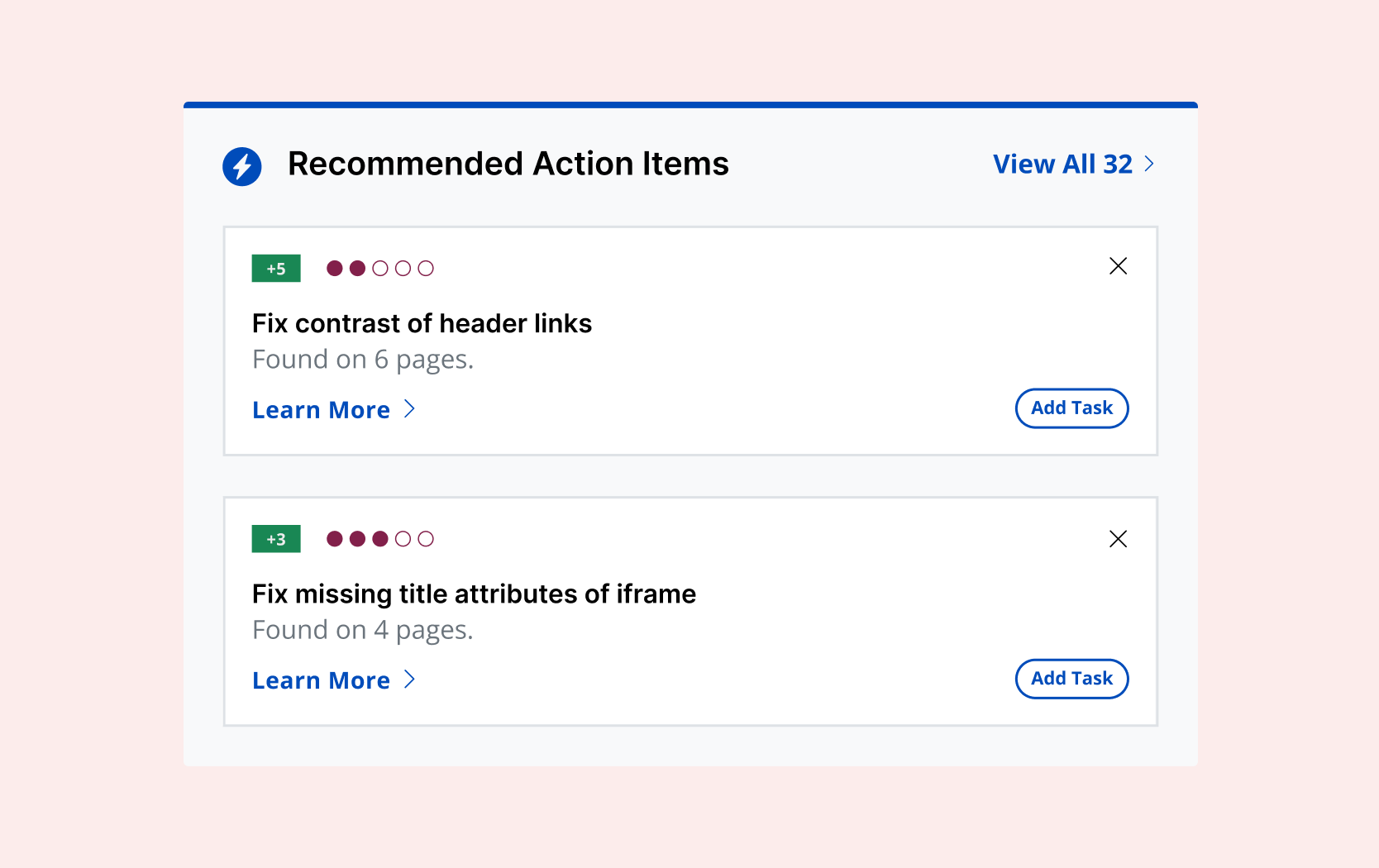
With Recommended Tasks, Accessible Web RAMP prioritizes WCAG violations by occurrence and severity. So you can make accessibility progress quickly.
WCAG Audits for Apps, Sites, and More
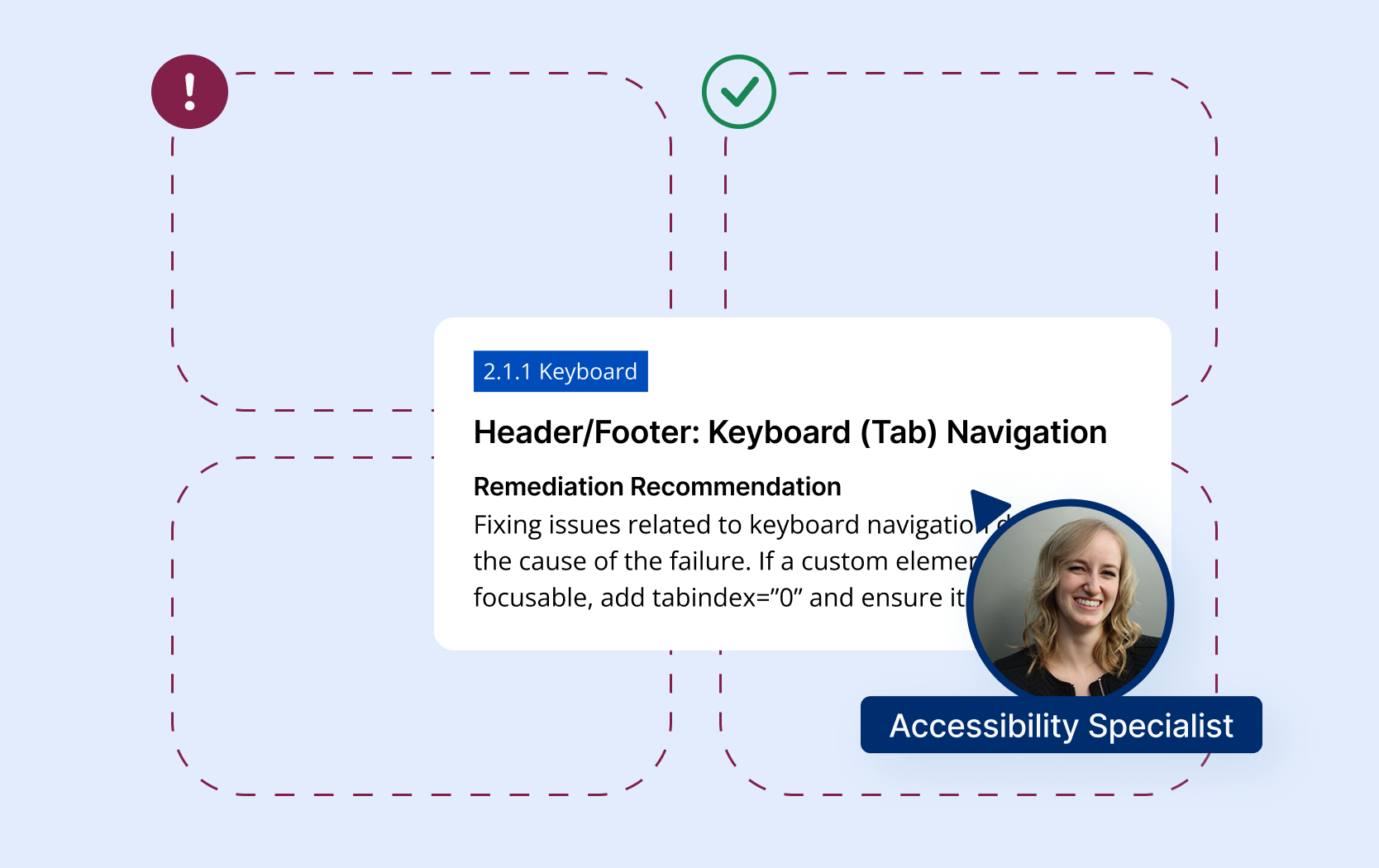
Understand exactly what WCAG violations are occurring on your designs, components, websites, web applications, and mobile applications.
Don’t Go At It Alone
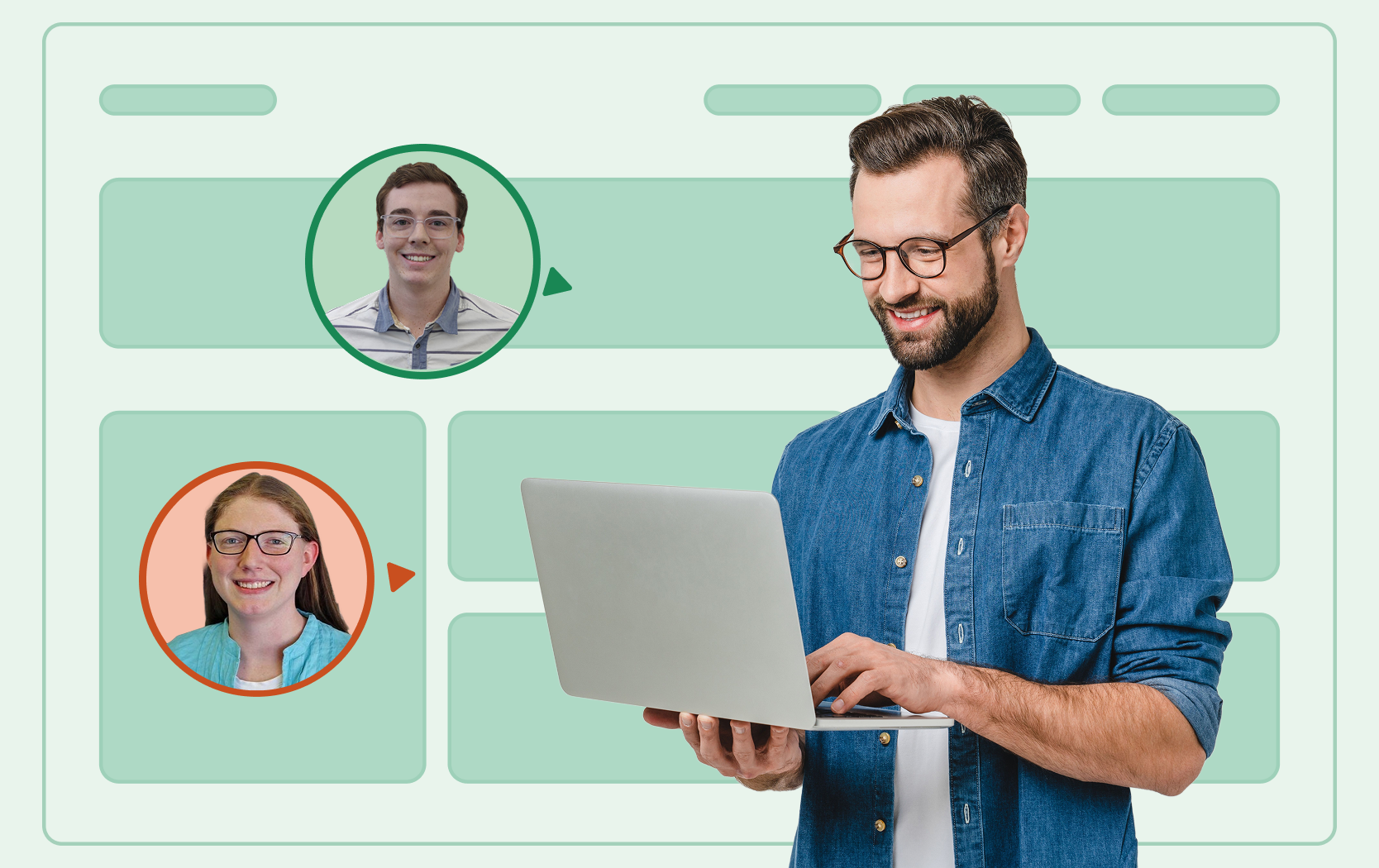
We provide courtesy onboarding and goal setting as you get started. As you tackle violations, our team will be there to support you, along with quarterly check-ins from our program managers.
More Accessibility Tools
Accessible Web RAMP is your accessibility partner. We do more than find violations. We teach you accessibility as you make your site compliant.

Actionable top-level accessibility reports of your website’s health.

Uncover 100% of accessibility violations.
Real-time page analysis, task synchronization, and more.

Reveal your personalized path to accessibility law compliance.
Resources
Blog: You’re Now Liable: Complying with the EAA Requirements
An overview of why the EAA creates real liability for businesses worldwide, what standards apply, and the risks of ignoring the 2025 deadline.
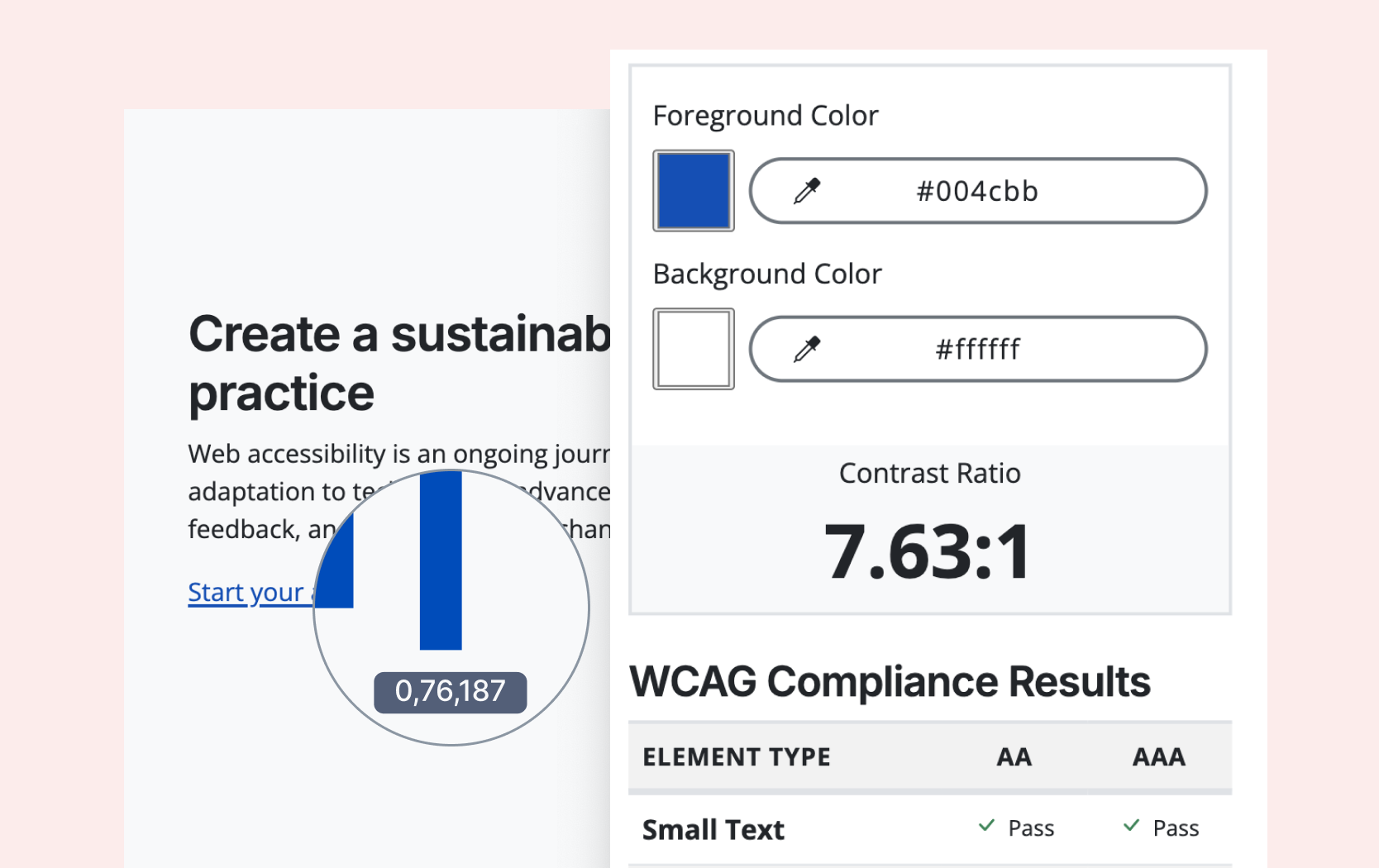
Free Tool: Color Contrast Checker
Test any color combinations to see if they meet WCAG contrast requirements, ideal for agencies and designers ensuring accessible color choices.
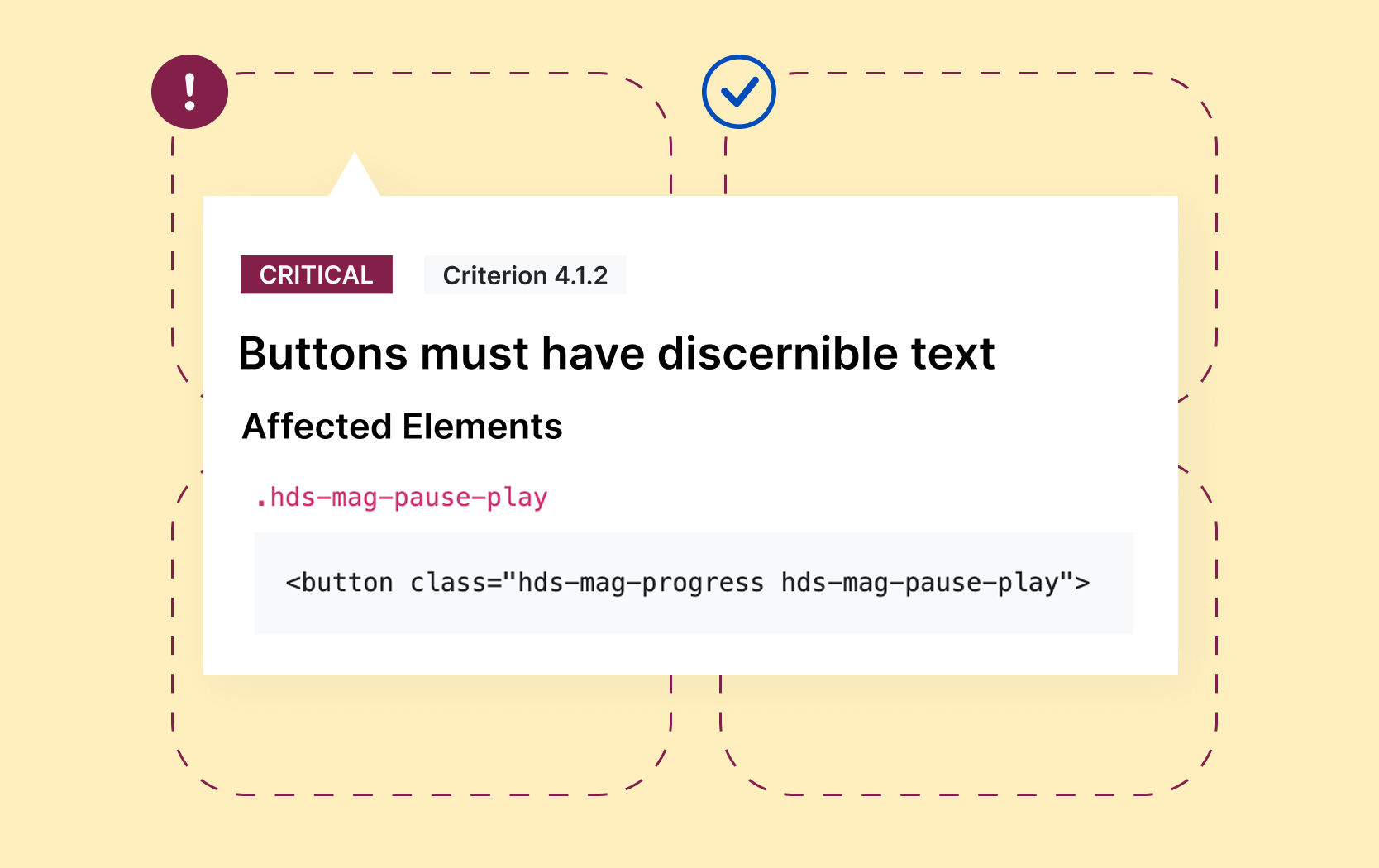
Free Tool: Website Scanner
Enter a URL and generate a quick report of WCAG issues on that page. For full-site scanning and ongoing monitoring, sign up for a free RAMP trial.
Webinars for Product Owners
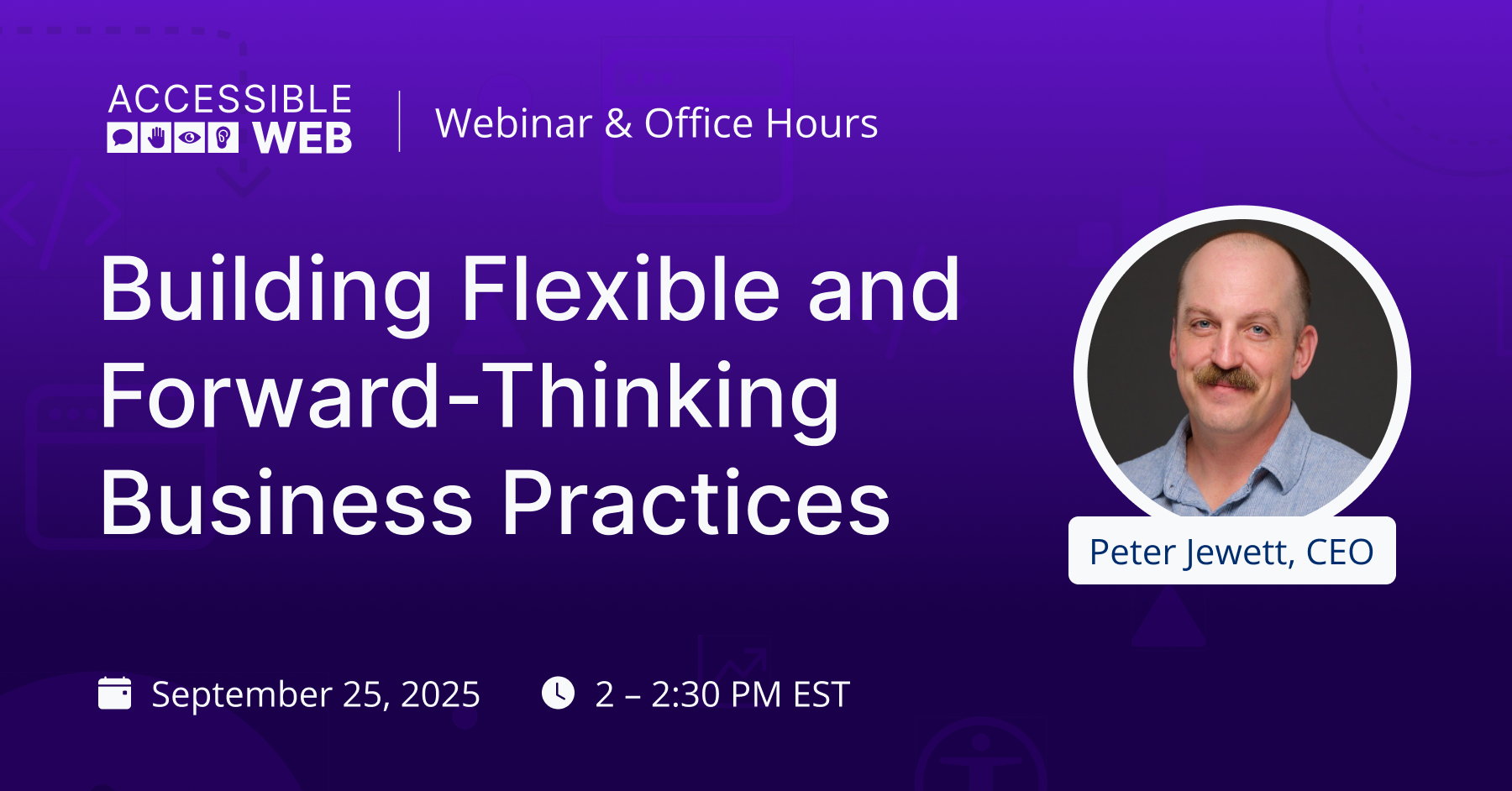
Building Flexible and Forward-Thinking Business Practices
A practical guide to building accessibility into your company’s day-to-day operations, from how you plan and procure to how you manage teams, vendors, and long-term strategy.
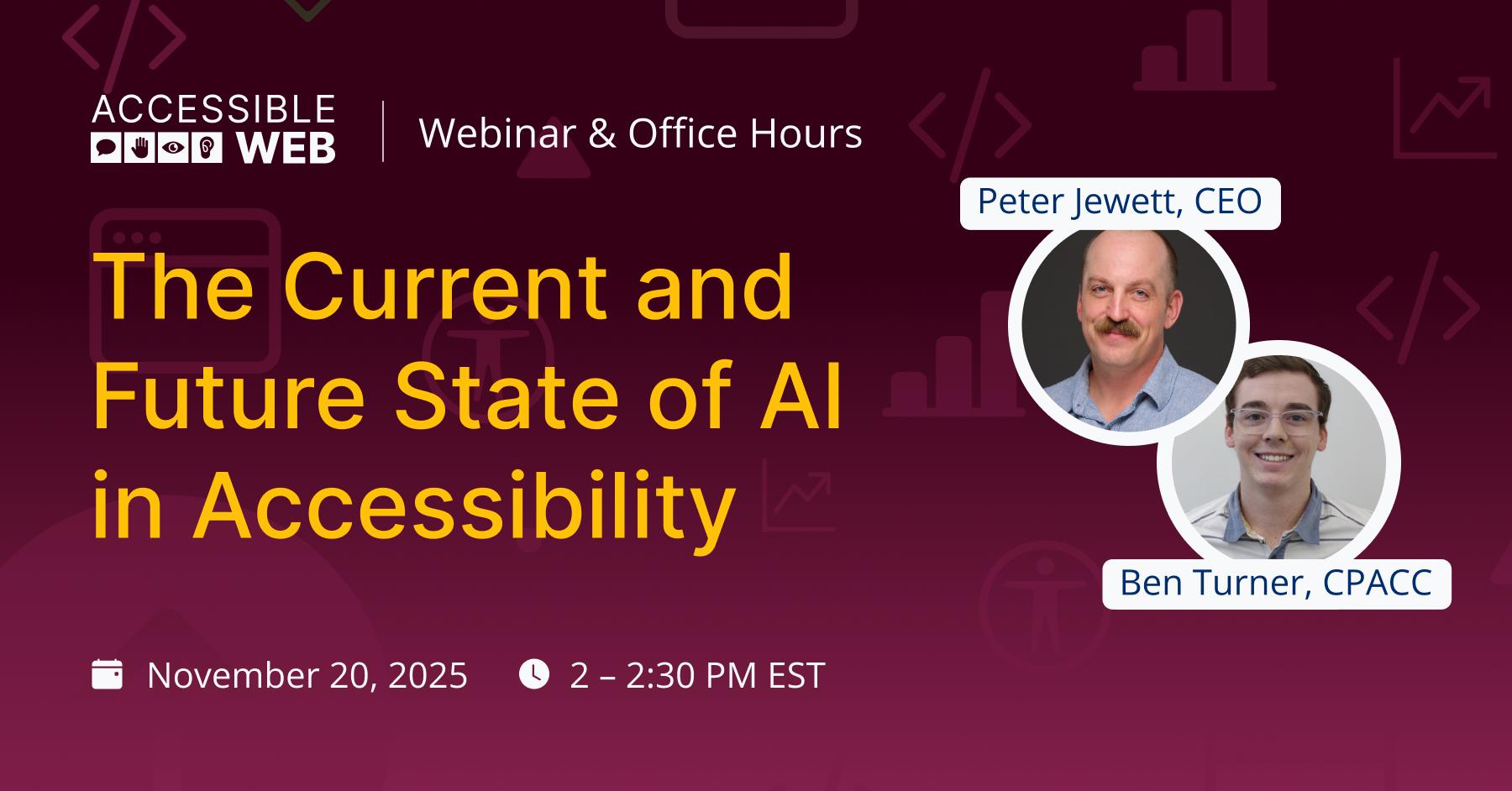
The Current and Future State of AI in Accessibility
Exploring how AI is being used now in accessibility, what’s coming next, and how to make sure your digital strategy leverages AI in a way that supports inclusive design and doesn’t introduce new barriers.
FAQ
-
Assistive technology refers to any item or equipment, including software, that improves functional capabilities for users, such as speaking, typing, writing, etc. Common examples include screen readers, switches, walking devices, captions, and wheelchairs.
-
Testing website accessibility is achieved through a combination of workflows. Automatic scanning catches a portion of violations. Automated testing uses tools, like the RAMP platform or our Chrome Extension. Use the Accessible Web Helper Chrome browser extension in combination with RAMP for on-page automated scanning and failure highlighting.
To catch the rest of the violations, a full manual audit is needed. This can be achieved by a self-audit using the Manual Audit Tool and Grid in RAMP. You can also use professional third parties to audit your property, such as our WCAG Audits. Finally, assistive technology checks performed by native users should test your property.
-
That’s okay! We would love to be a part of your journey learning accessibility. Accessible Web RAMP, the Accessible Web Helper extension, and Accessible Web Academy help your team understand accessibility issues and how to resolve them. The Accessible Web Academy provides courses designed to teach every member of your team how to incorporate accessibility into their workflows.

“[RAMP] is like a bolt from beyond in my opinion… This tool gives us a lot more confidence in our footing … it tells you what to fix and demonstrates what we fixed over time.”
— Micah, Technical Manager




Ready to Get Started? Try RAMP for Free
Sign up for a free 14-day trial of RAMP and start discovering web accessibility issues on your website within minutes.
(14-day free trial – no credit card required)