From startups and agencies to global brands, the trusted choice for accessibility


Add Accessibility to Your Brand’s Identity
You control your brand’s image and content, but you don’t control its accessibility. Not yet, anyway. Accessible Web’s platform assists you in making your organization accessible. From alt text to z-index, we’ve got your back.
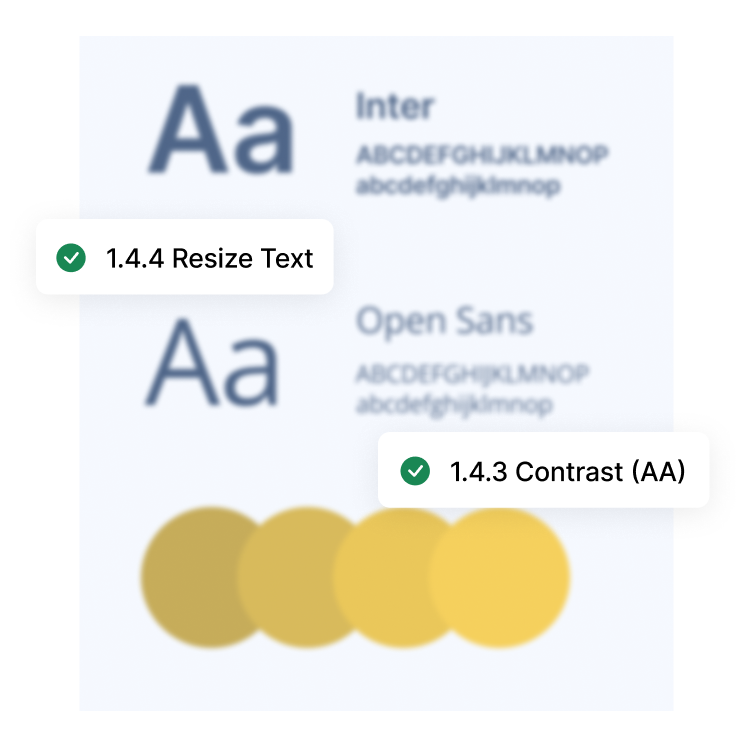
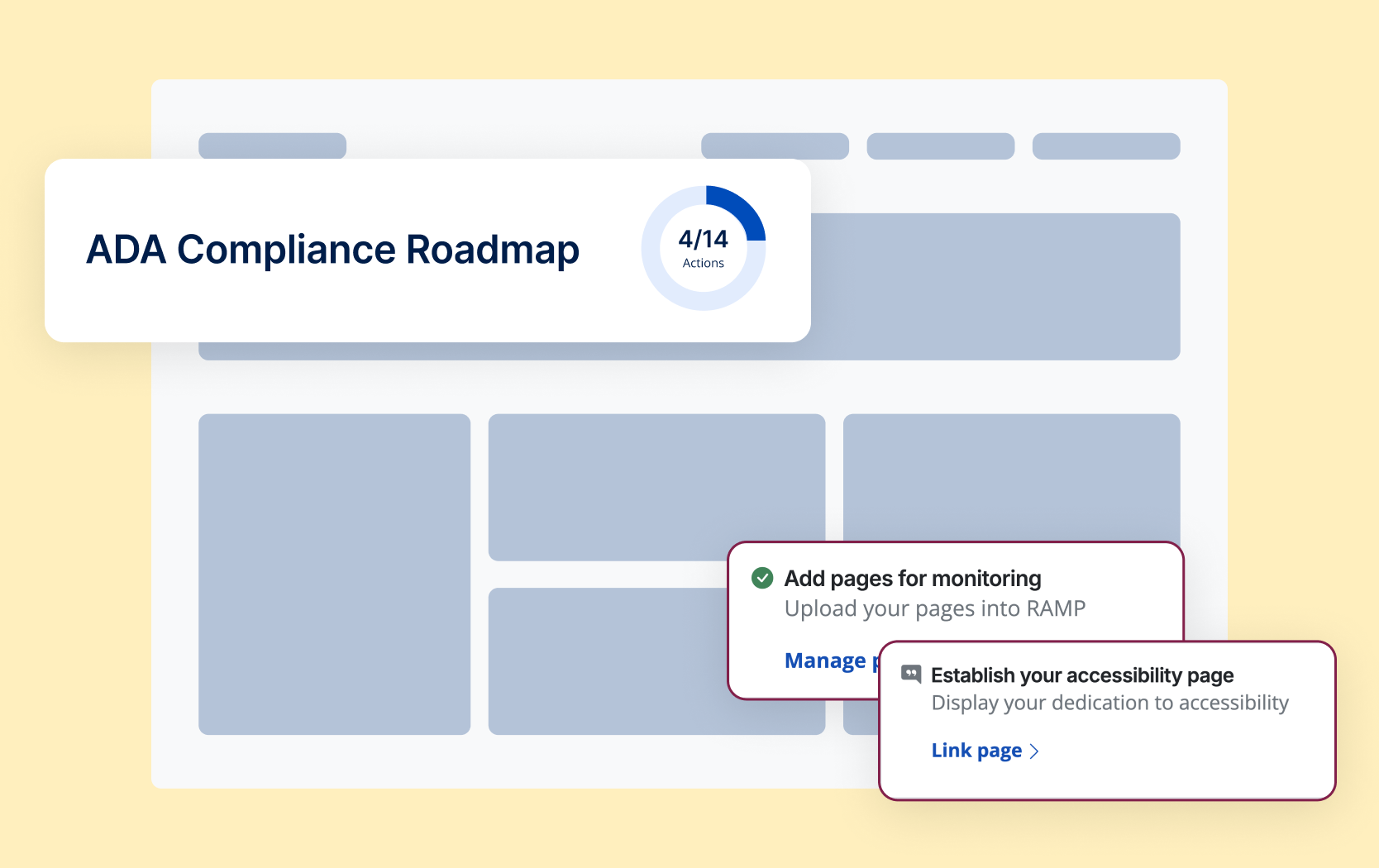
Comply with the ADA, EAA, and More
Build up accessibility practices into all areas of your workflows and systems, from discovering and fixing alt tags to providing forms for users to report barriers. We’ll give you the roadmap to complete compliance.
Improve Your Return on Investment
Accessibility isn’t just the right thing to do, it’s also the right thing for businesses. By incorporating accessibility into your business practices, you’re improving your SEO, expanding your audience, and teaching your team in-demand skills.
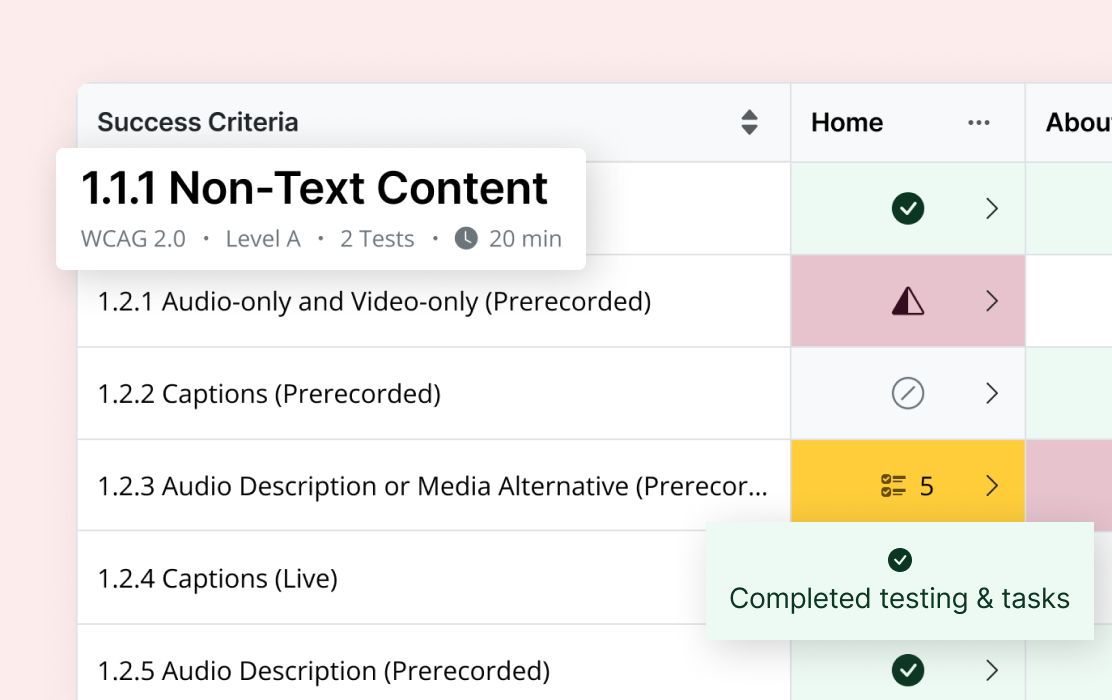
Your Accessibility Checklist
Uncover and fix 100% of WCAG violations across your brand’s sites and components. Our checklist gives you the ability to track progress, tag team members, and comment, so the entire team is on the same page.
More Accessibility Tools
Accessible Web RAMP is your accessibility partner. We do more than find violations. We teach you accessibility as you make your site compliant.

Built-in WCAG guidance addresses violations while teaching valuable skills.

Automatic categorization of accessibility barriers by severity.

Supplement your knowledge with an assigned accessibility specialist.

Your actionable top-level automated accessibility report of your digital property’s health.
Resources
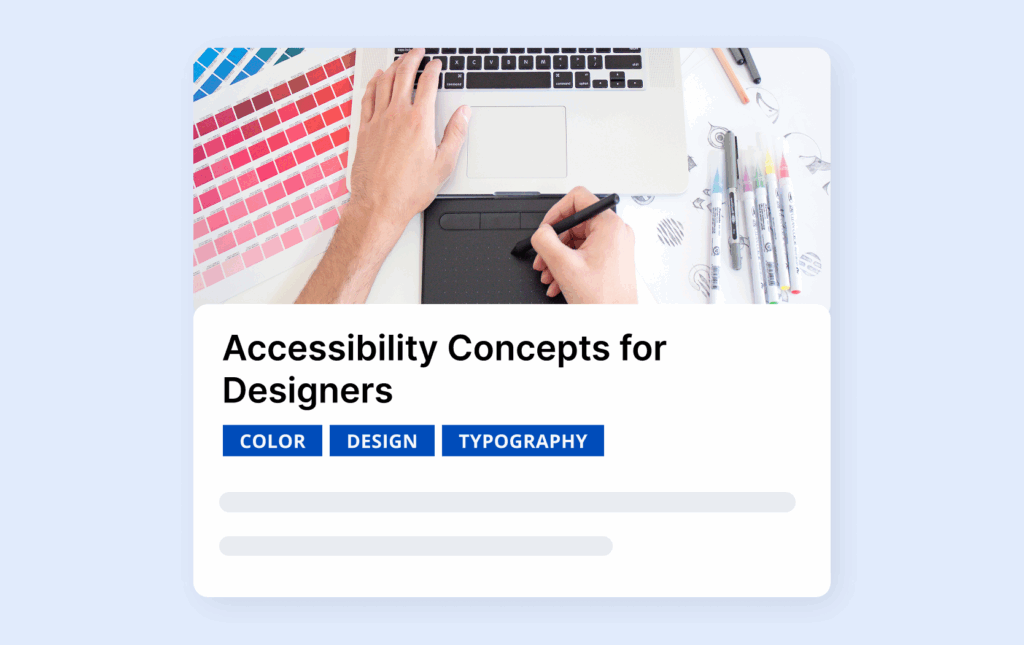
Courses: Accessibility for Marketers & Designers Bundle
A beginner-friendly course bundle that teaches marketers and designers how to create accessible content, campaigns, and digital experiences.
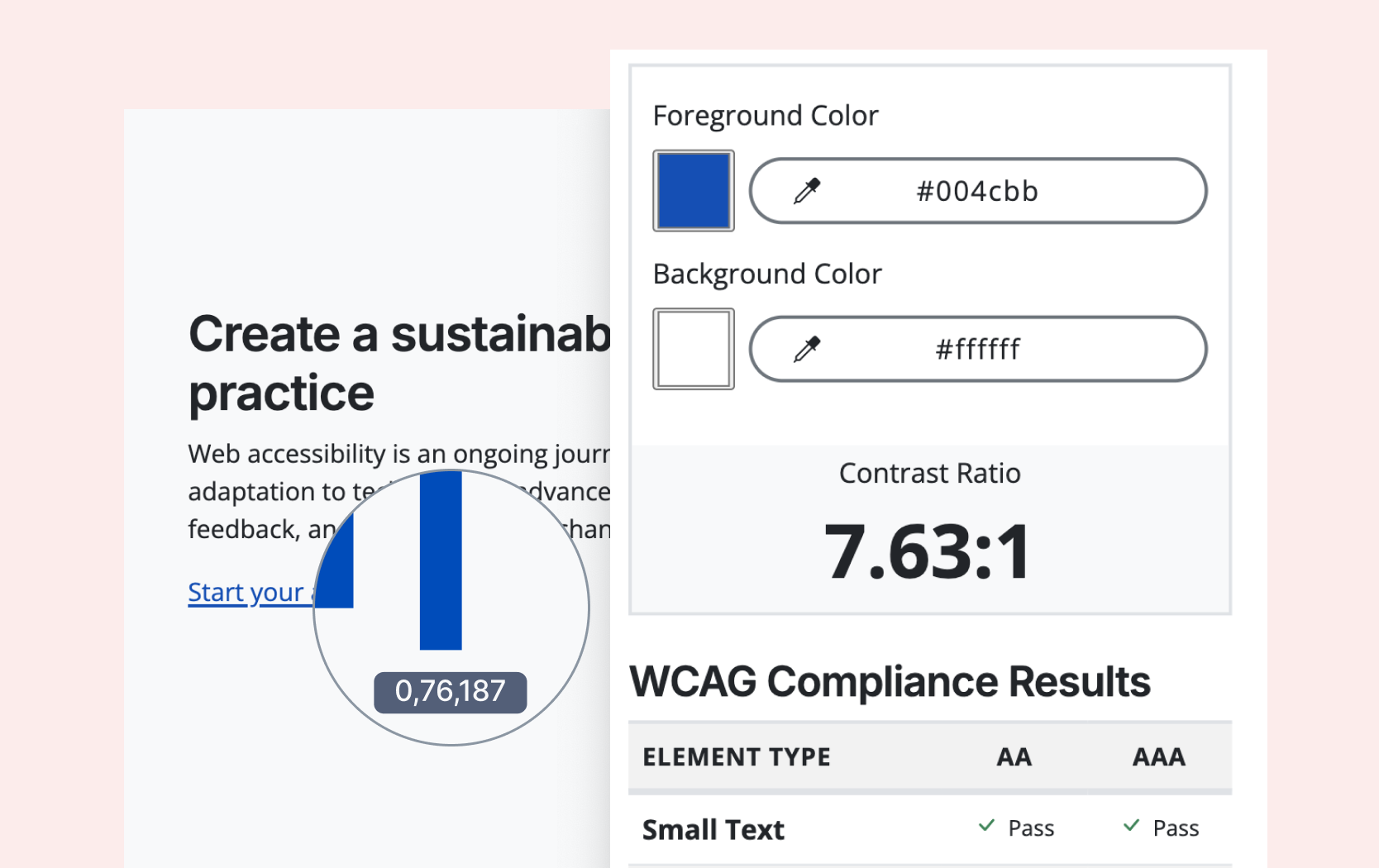
Free Tool: Color Contrast Checker
Test any color combinations to see if they meet WCAG contrast requirements, ideal for agencies and designers ensuring accessible color choices.
Blog: Your Guide to Writing Better Alt Text
A quick, beginner-friendly guide to what alt text is, when to use it, and how to write clear, effective descriptions that make your images accessible.
Webinars for Marketers
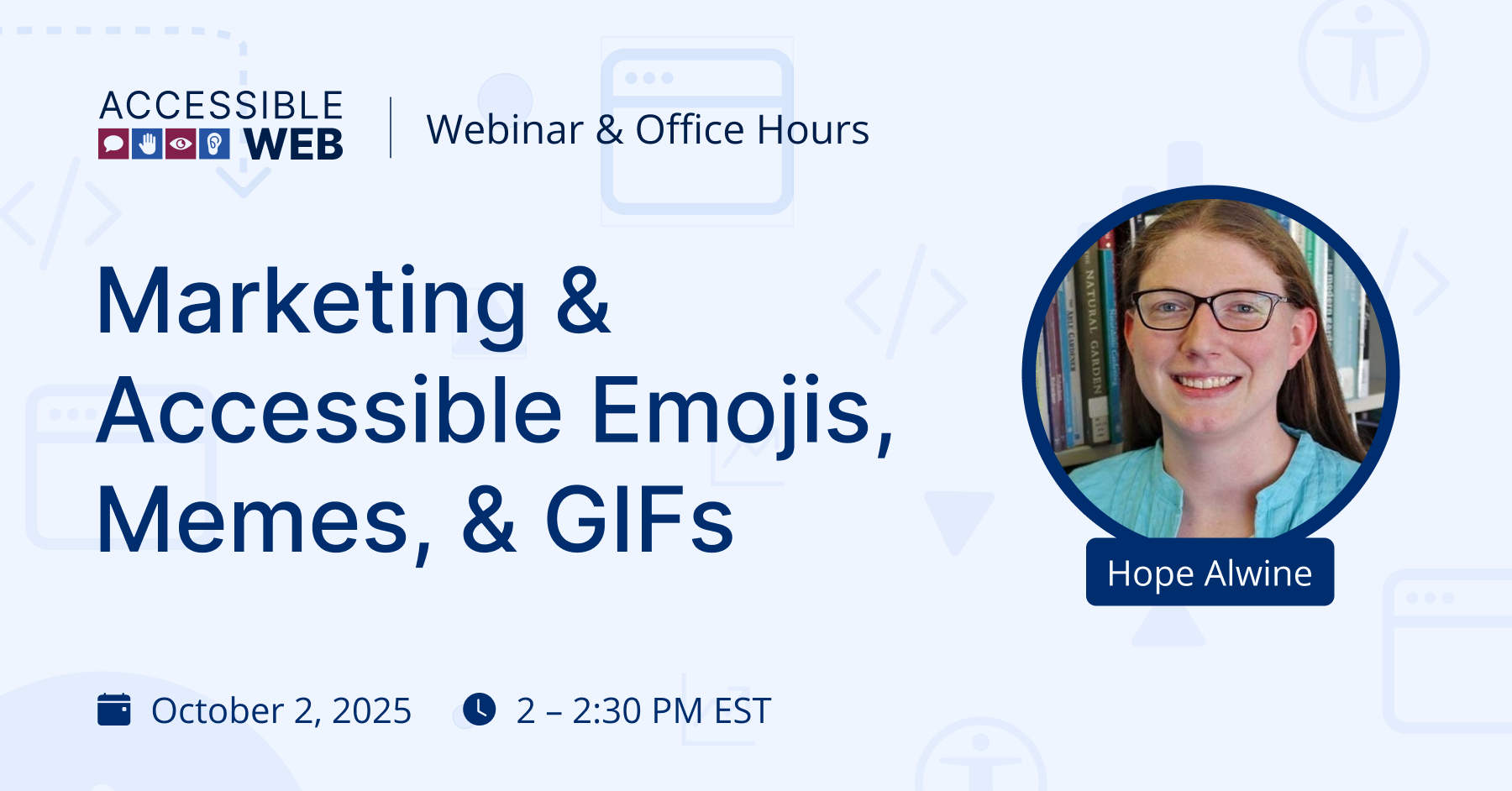
Marketing and Accessible Emojis, Memes, and GIFS
How to use emojis, memes, and GIFs in digital marketing while making sure everyone, including users with assistive technologies, understands your message and isn’t left out.
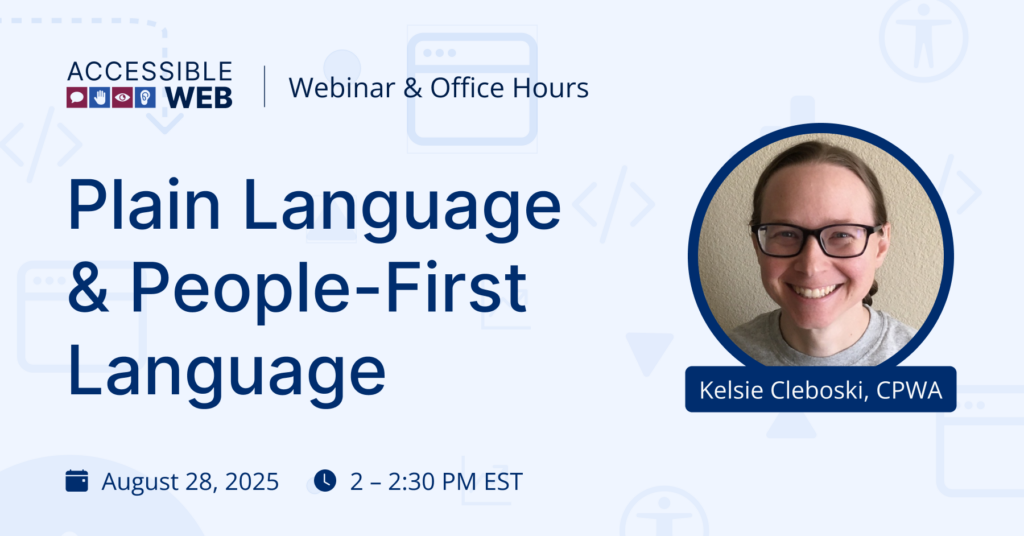
Plain Language & People-First Language
How to build a sustainable DIY WCAG manual audit workflow using RAMP’s Manual Audit Grid, from structuring your checks to tracking progress and creating remediation tasks.
FAQ
-
Accessibility in social media basically means creating posts everyone can understand, which includes alt text, captions, plain language, and high contrast. Thankfully, more and more platforms are including these options as standard.
-
It ensures equal access, improves user experience, expands your audience, and often fulfills legal requirements.
-
In your browser, right-click an image, go to Inspect/Inspect Element, then look for the alt=”” attribute. Screen readers will also read it aloud.
-
Using accessible practices such as alt text, heading order, an organized structure help both users with disabilities and search engines understand your content.
-
Accessibility in marketing means making marketing content usable by everyone, including people with disabilities. This can be achieved through readable text, captions, WCAG-passing contrast, and inclusive design.

“[RAMP] is like a bolt from beyond in my opinion… This tool gives us a lot more confidence in our footing … it tells you what to fix and demonstrates what we fixed over time.”
— Micah, Technical Manager



Ready to Get Started? Try RAMP for Free
Sign up for a free 14-day trial of RAMP and start discovering web accessibility issues on your website within minutes.
(14-day free trial – no credit card required)