From startups and agencies to global brands, the trusted choice for accessibility





Finally, Clarity on Accessibility Design
You’ve certainly heard of the Web Content Accessibility Guidelines (WCAG), but you’re not sure how to actually implement it into designs and layouts. Forget about “doing it wrong” worries, Accessible Web’s experts are here to guide you from learning in-demand accessibility skills, to finally publishing that beautiful accessible site.
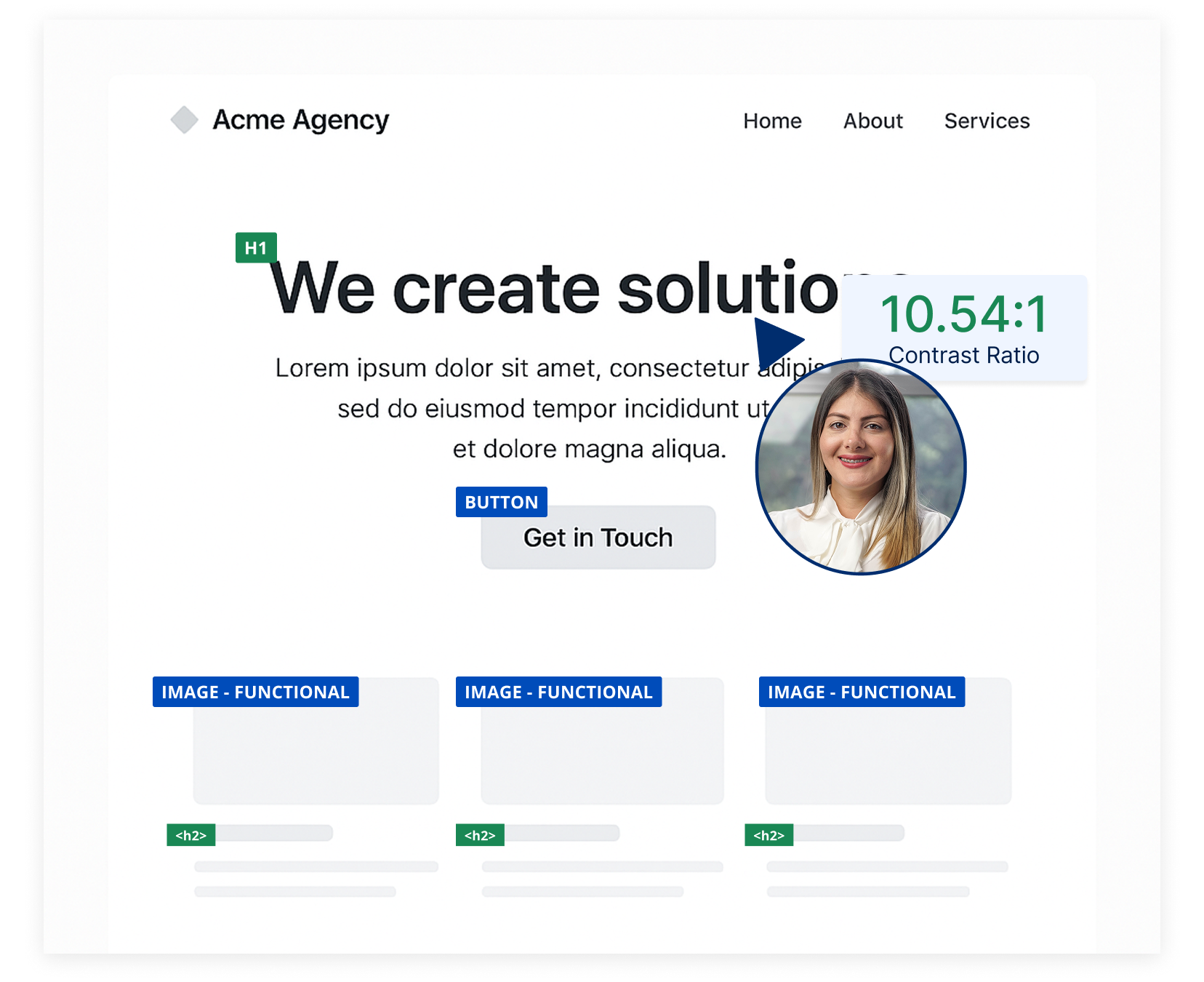
WCAG Design Audits
Our accessibility experts can audit your Figma, InVision, and AdobeXD components and designs so you know exactly what to fix before building it.
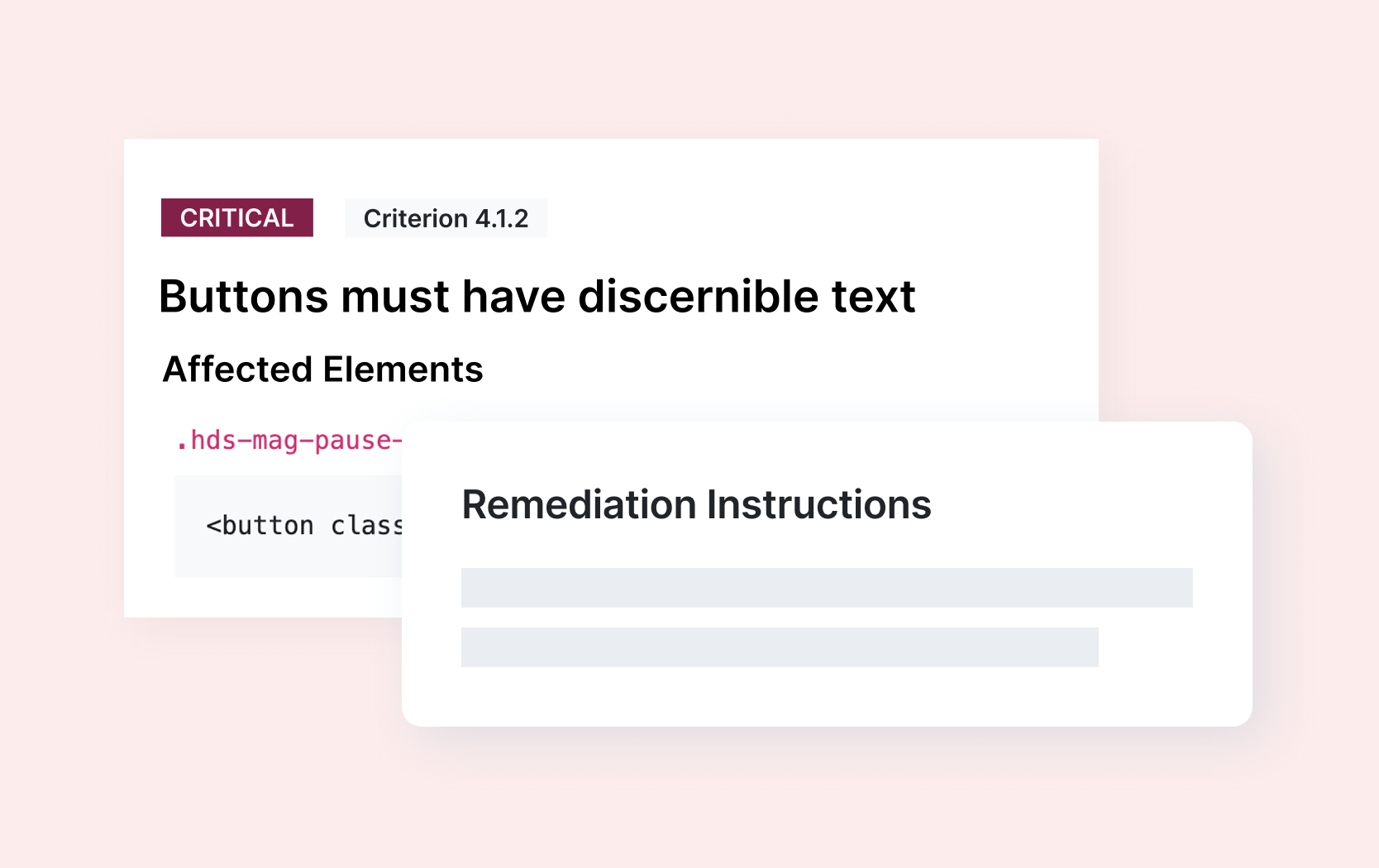
Fix Violations. Learn Accessibility.
Our tools don’t just make your platform accessible, they also teach you how to incorporate accessibility from the start.
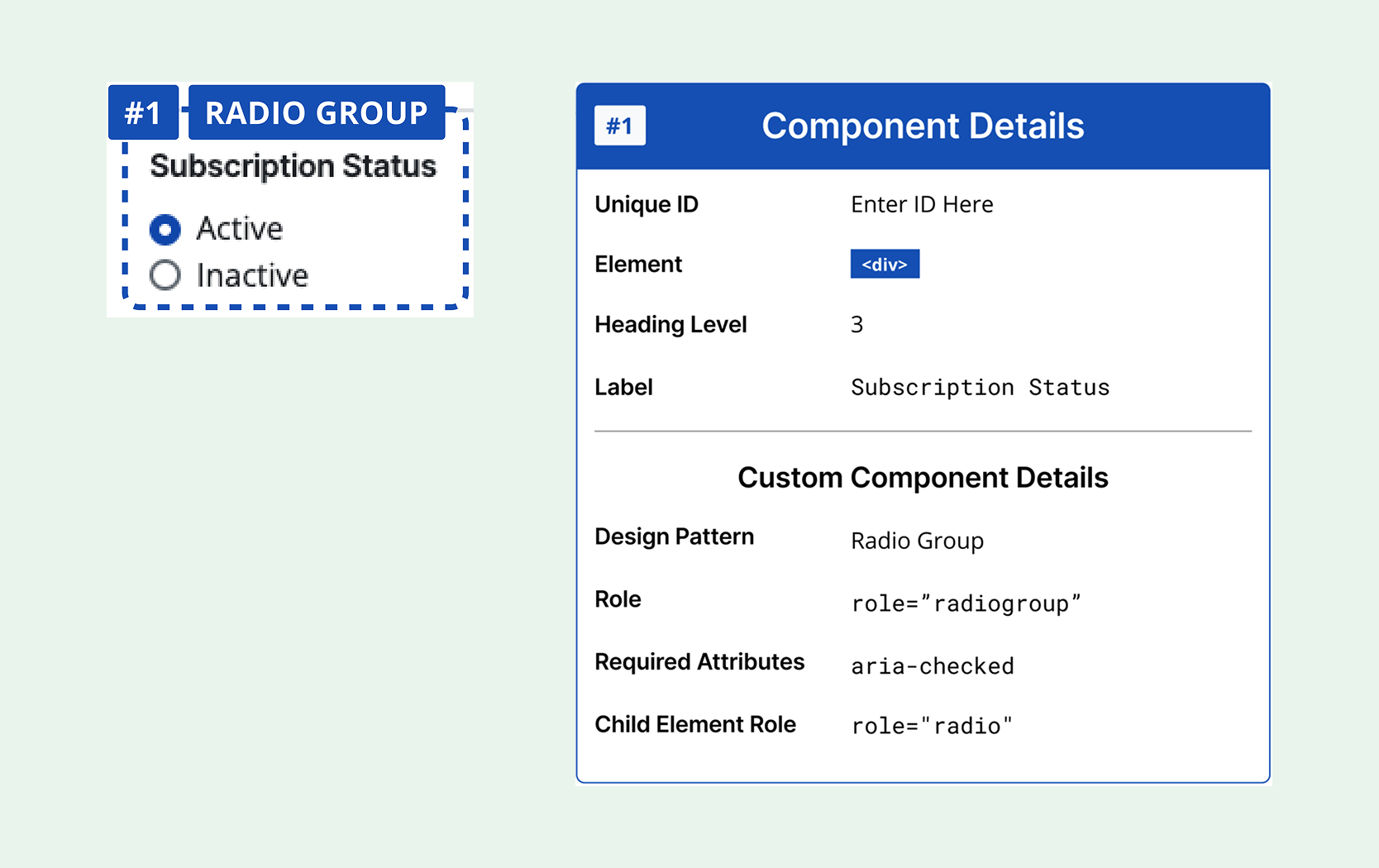
Figma Annotation Kit
Gain guidance for accessible components with our Figma Annotation Kit. It’s time to create accessibility-focused designs directly within your Figma projects.
More Accessibility Tools
Accessible Web RAMP is your accessibility partner. We do more than find violations. We teach you accessibility as you make your site compliant.

Built-in guidance addresses violations while teaching valuable skills.

Real-time page analysis, task synchronization, and more.

Check your contrast ratio for pages, designs, logos.

Uncover 100% of accessibility violations.
Resources
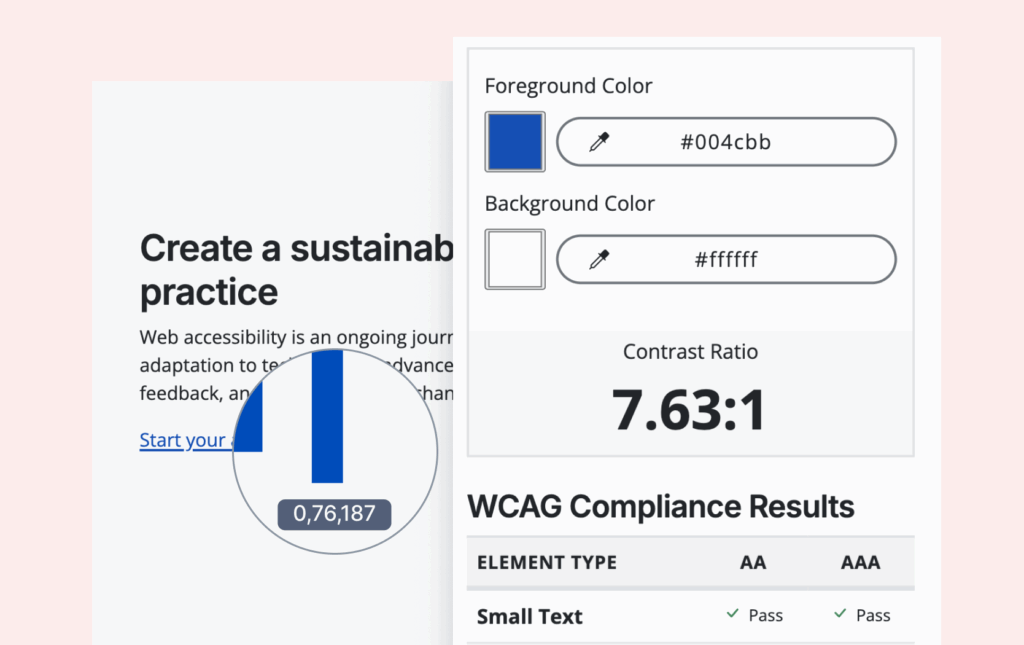
Free Tool: Color Contrast Checker
Test any color combinations to see if they meet WCAG contrast requirements, ideal for agencies and designers ensuring accessible color choices.
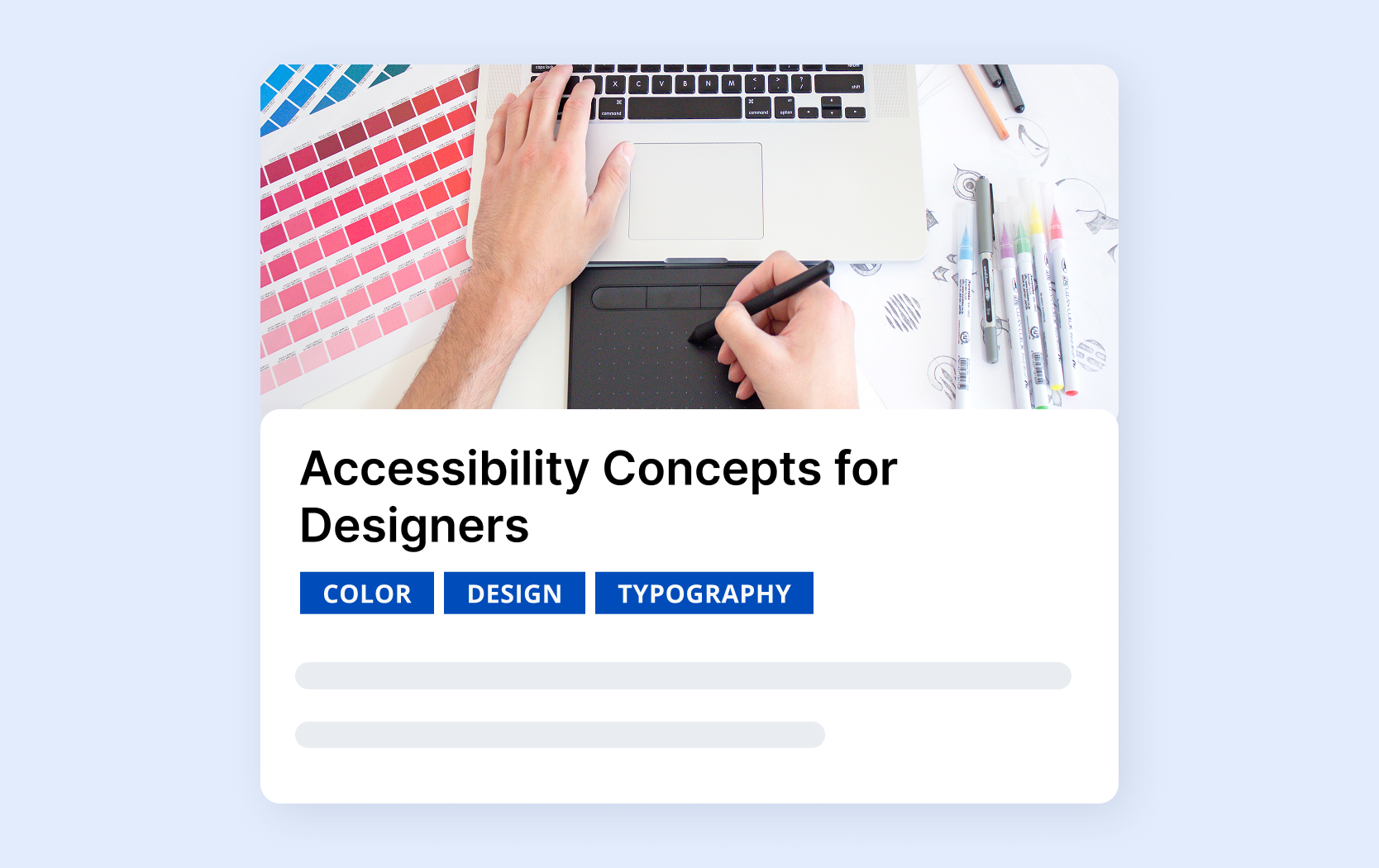
Courses: Accessibility for Designers
A selection of design-focused e-courses from the Accessible Web Academy covering topics like accessible UX design, adaptive content, typography, color, and design tools.
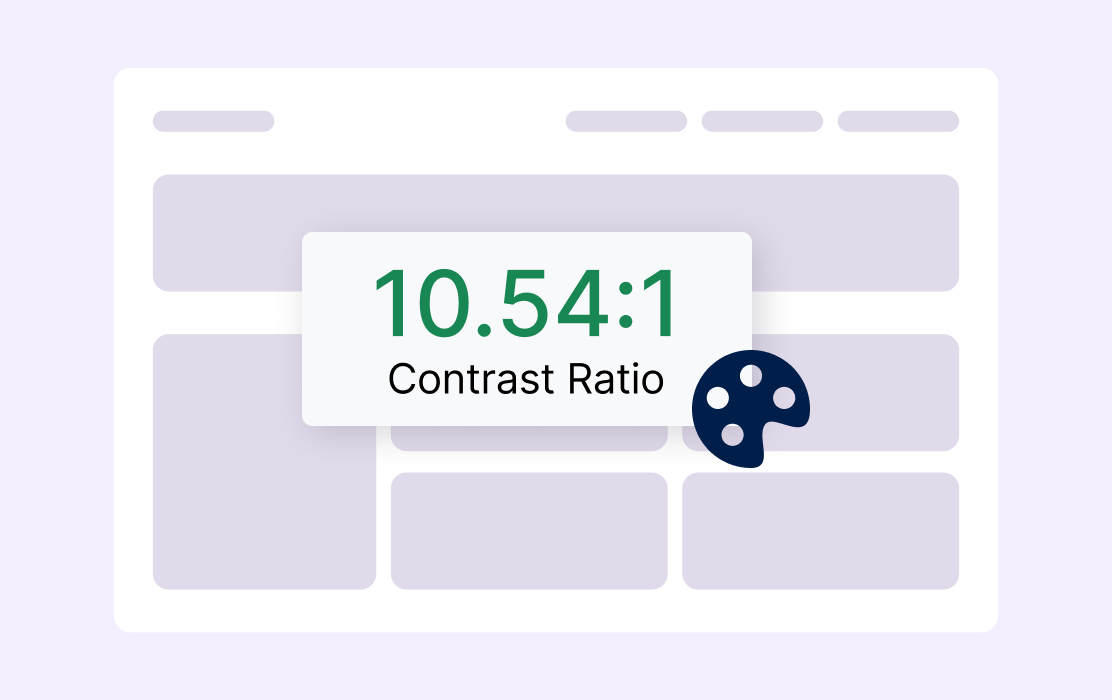
A Quick Guide to WCAG Color Contrast and Accessibility
A helpful guide to understanding and testing color contrast, featuring an in-depth FAQ that answers common questions about ratios and WCAG requirements.
Webinars for Agencies
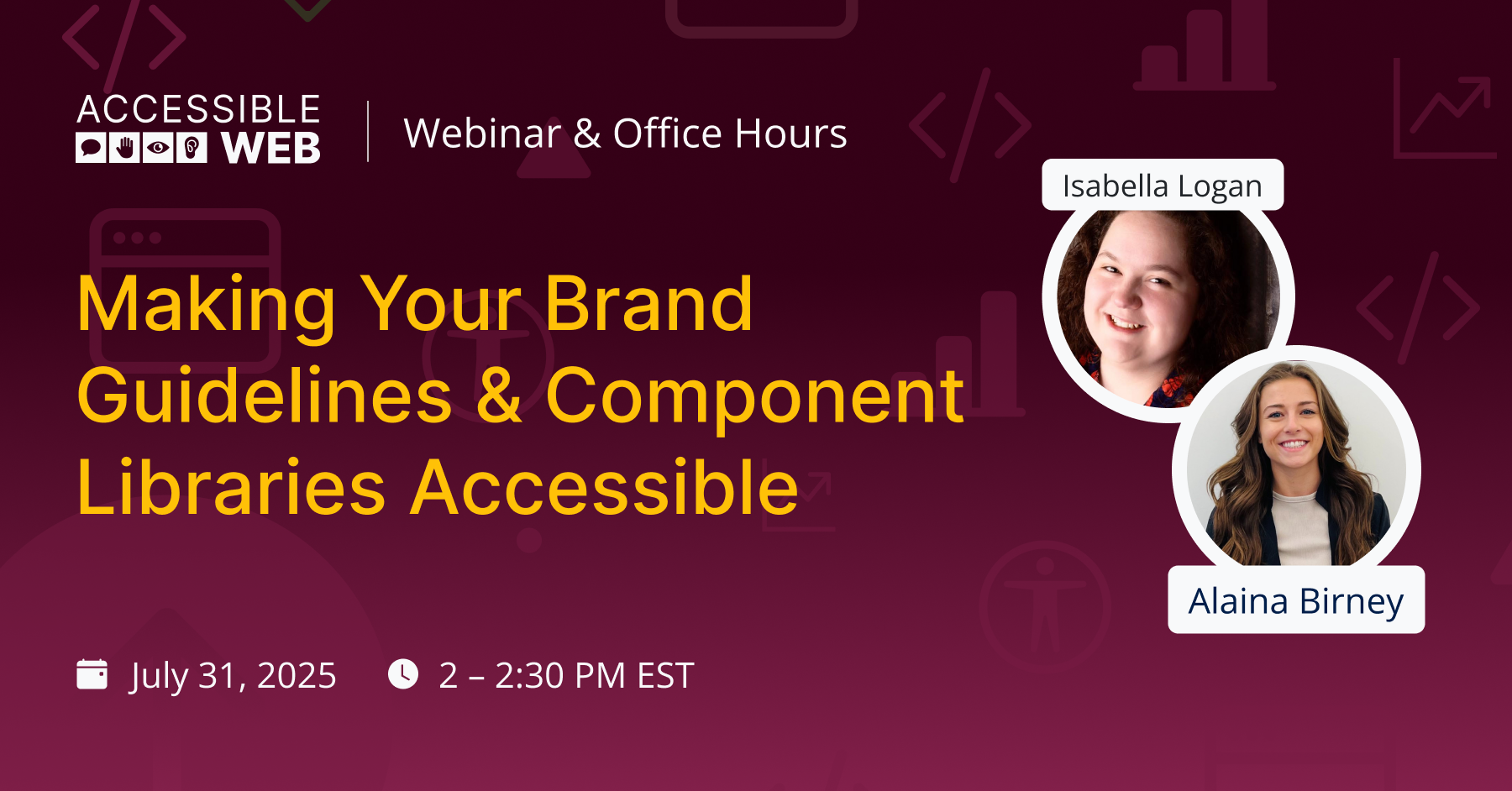
Making Your Brand Guidelines & Component Libraries Accessible
A webinar for design and dev teams on auditing your brand guidelines and component library for accessibility, showing how to build inclusive design systems from the ground up and how RAMP tools can support the process.
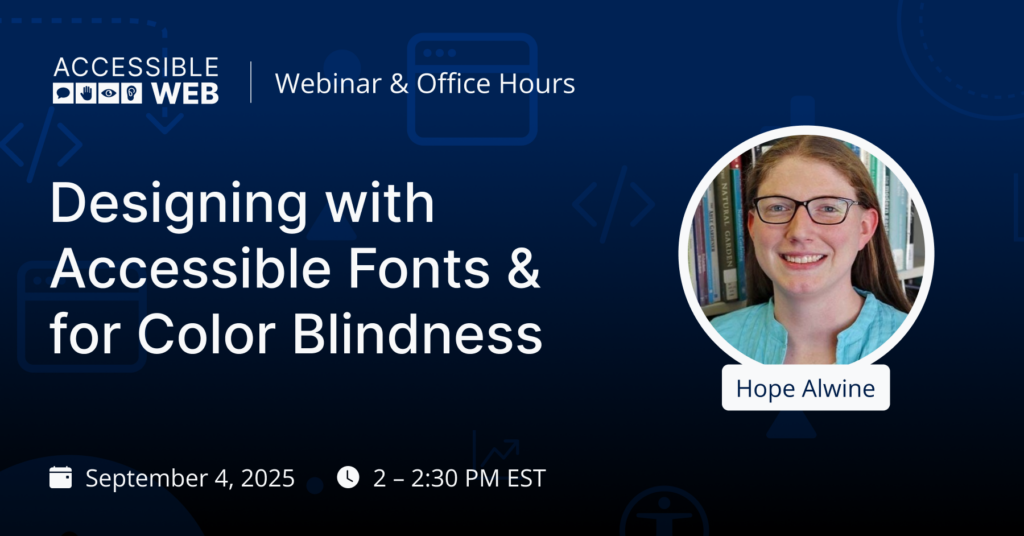
Designing with Accessible Fonts & Color Blindness
Exploring how font choice, spacing, and color contrast affect users with color blindness and dyslexia, including guidance on accessible typography, color-contrast tools, and real-world design tips.
FAQ
-
Accessibility should be in mind from the start of any design. Shift left, incorporate WCAG, build and maintain accessible components, and test designs with real users of assistive technologies.
-
Include the hallmarks of accessible UX design, include WCAG passing designs, and make content consistent but flexible.
-
Hallmarks of accessible UX design include, but are not limited to, clear page structure, readable text, WCAG-approved contrast, no keyboard traps, and predictable layouts. Sites should be usable with assistive technologies.
-
Accessible design ensures everyone, regardless of ability, can perceive, understand, and navigate or use a product (whether physical or digital) without barriers.

“Best solution I’ve found for continuous accessibility monitoring.”
— Deneb, Developer



Ready to Get Started? Try RAMP for Free
Sign up for a free 14-day trial of RAMP and start discovering web accessibility issues on your website within minutes.
(14-day free trial – no credit card required)