From startups and agencies to global brands, the trusted choice for accessibility





Ready to Make Accessible Apps?
Accessible Web RAMP’s tools opens the door to a one-stop accessibility shop. From guiding design accessible mobile components in Figma, validating real usability with native assistive technology users on iOS and Android, to clear roadmap of what to fix through detailed WCAG audits and how to get compliant, we are here to help you open your app to everyone.
Figma Annotation Kit
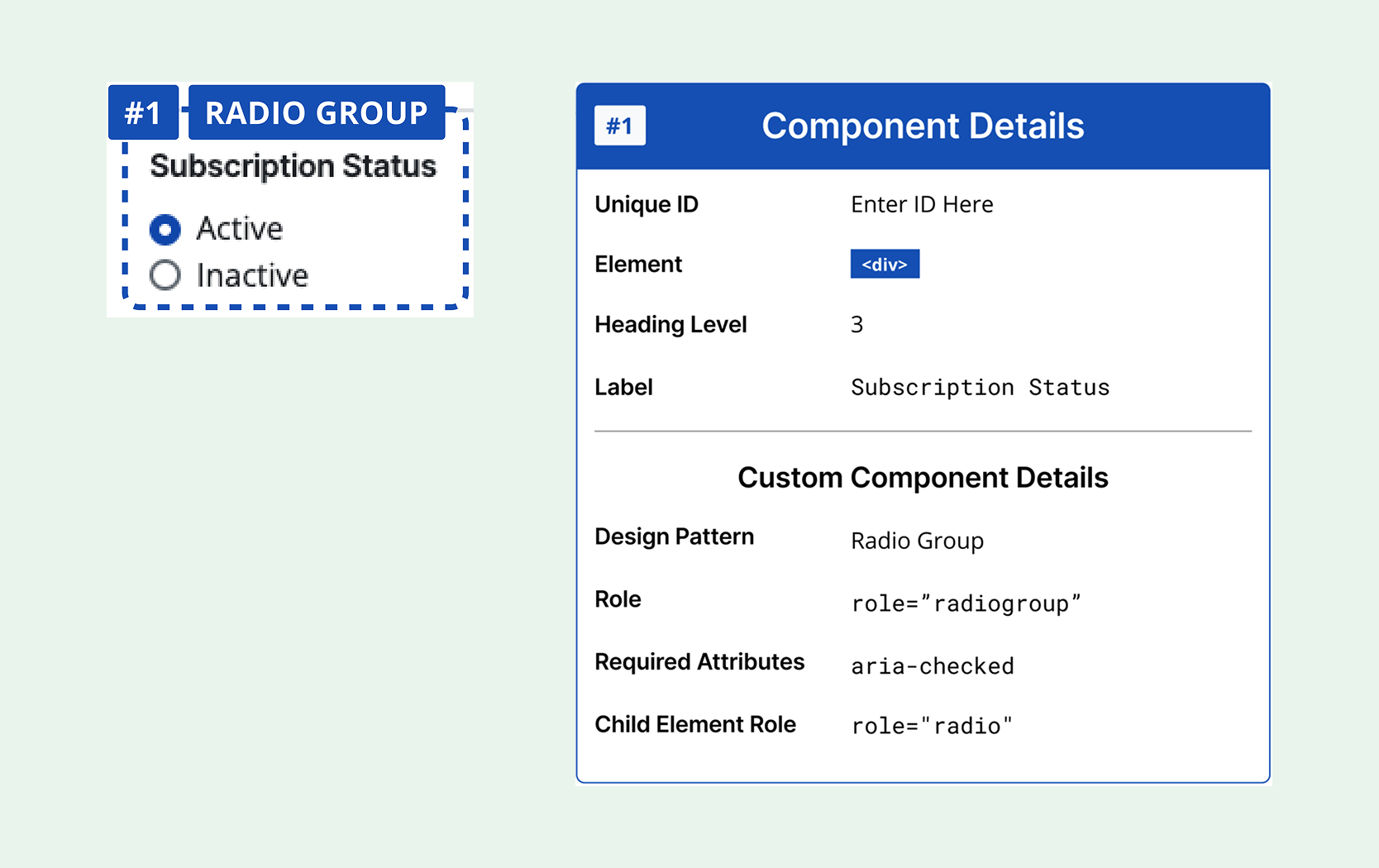
Gain guidance for accessible components with our Figma Annotation Kit. It’s time to create accessibility-focused designs directly within your Figma projects.
Know Where You Are,
And Where You Need to Go
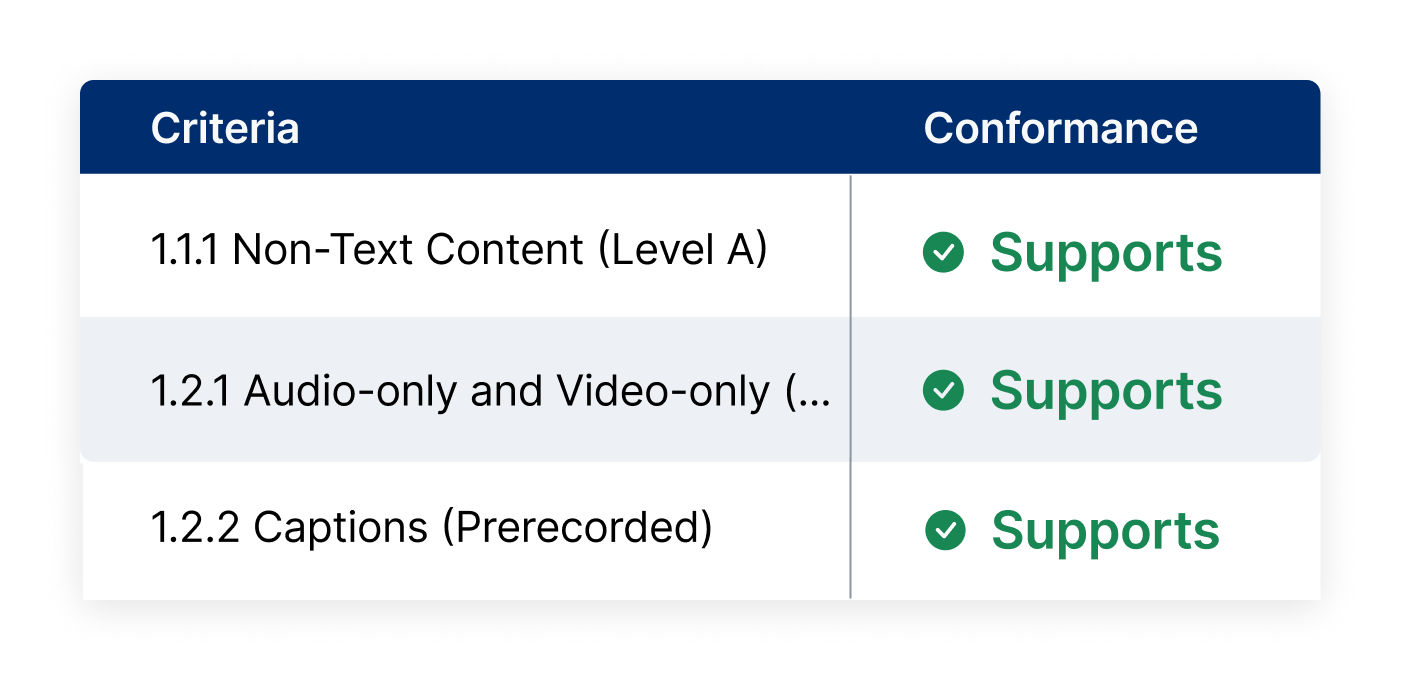
Our WCAG audits give you an accurate snapshot of your accessibility status now, and what exactly to do to get where you need to be.
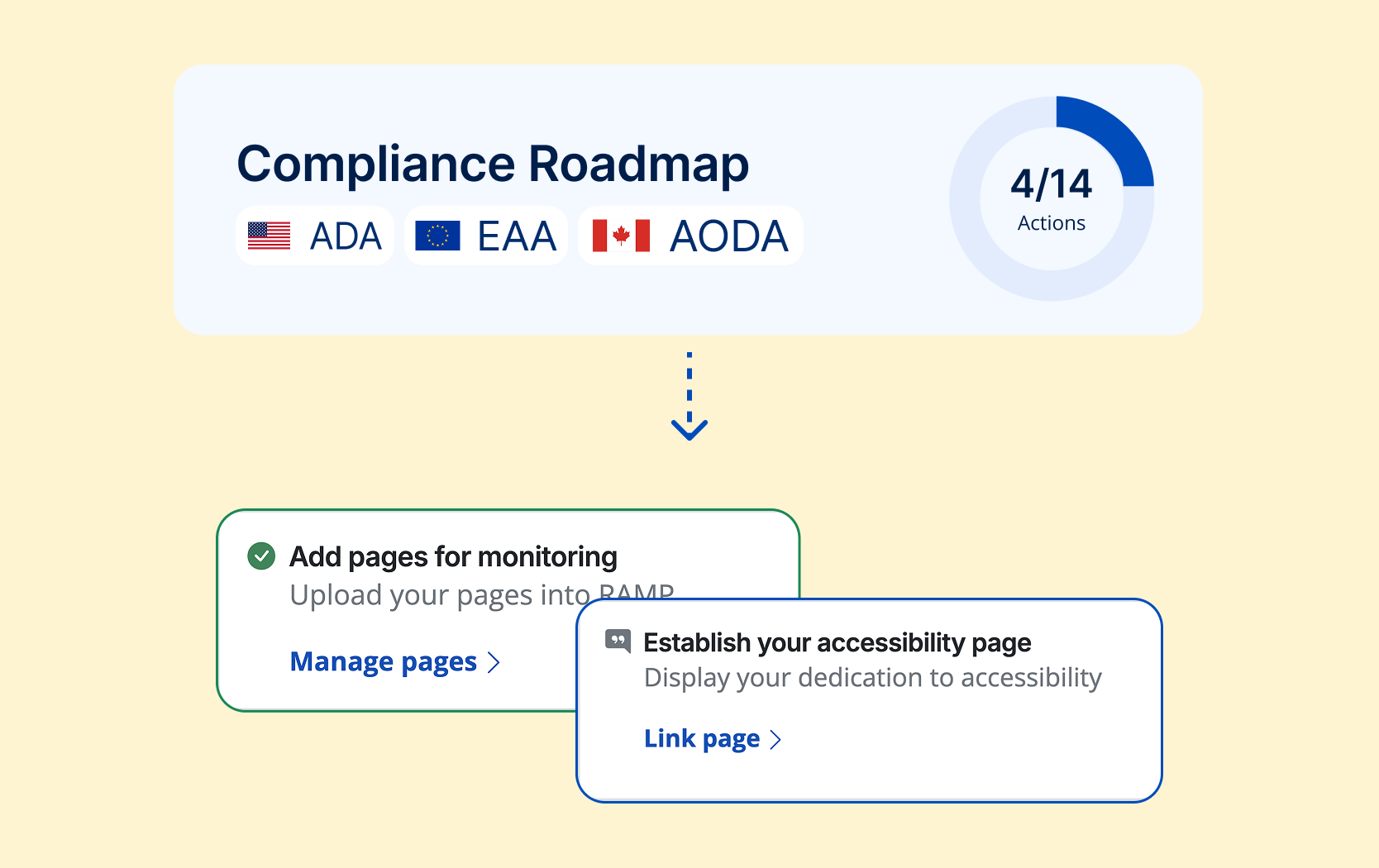
Comply with the ADA, EAA, and More
Build up accessibility practices into all areas of your workflows and systems, from discovering and fixing alt tags to providing forms for users to report barriers. We’ll give you the roadmap to complete compliance.
More Accessibility Tools
Accessible Web RAMP is your accessibility partner. We do more than find violations. We teach you accessibility as you make your site compliant.

Manage & synchronize accessibility tasks.

Uncover 100% of accessibility violations.

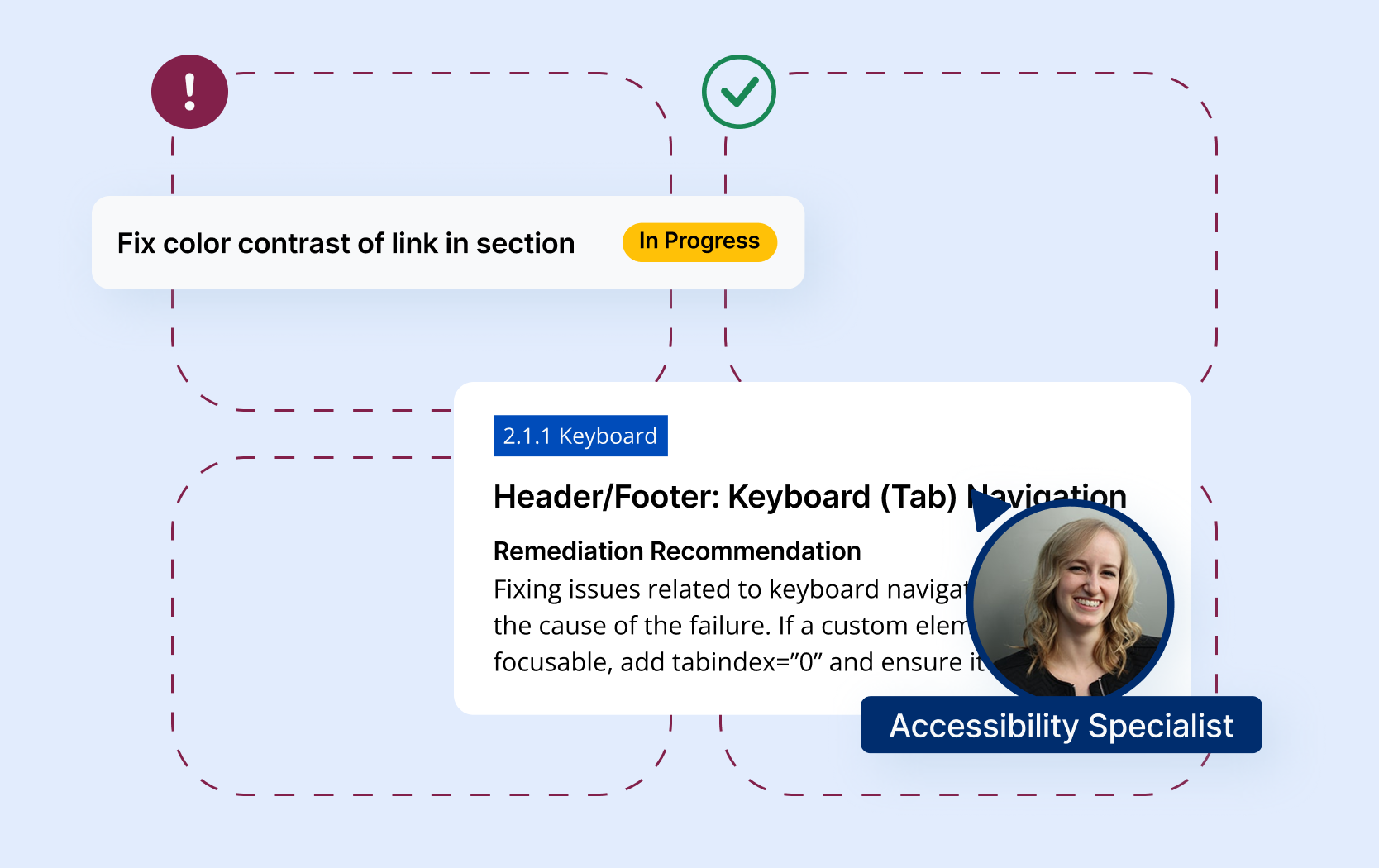
Supplement your knowledge with an assigned accessibility specialist.
Real-time page analysis, task synchronization, and more.
Resources
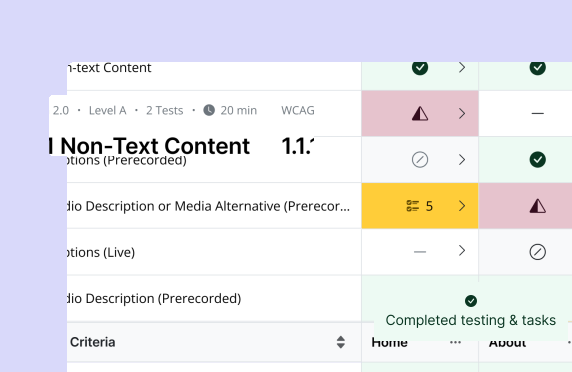
Blog: Scoping Your Accessibility Audit the Accessible Web Way
How to define the scope of your accessibility audit and estimate costs, a practical walkthrough for planning audits in a smart, budget-aware way.
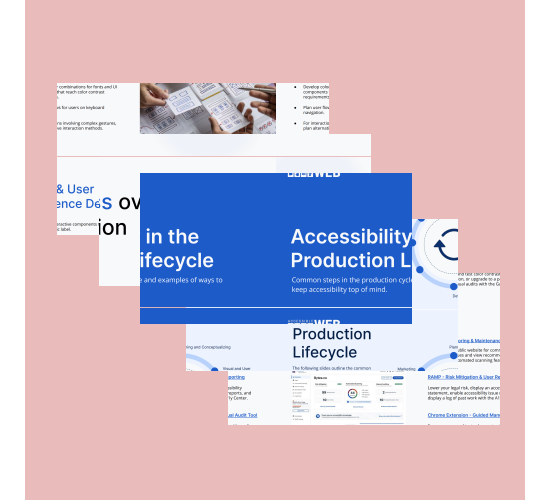
Guide: Accessibility in the Production Lifecycle
How to integrate accessibility at every stage of the production lifecycle, from planning and design to development, testing, & launch.
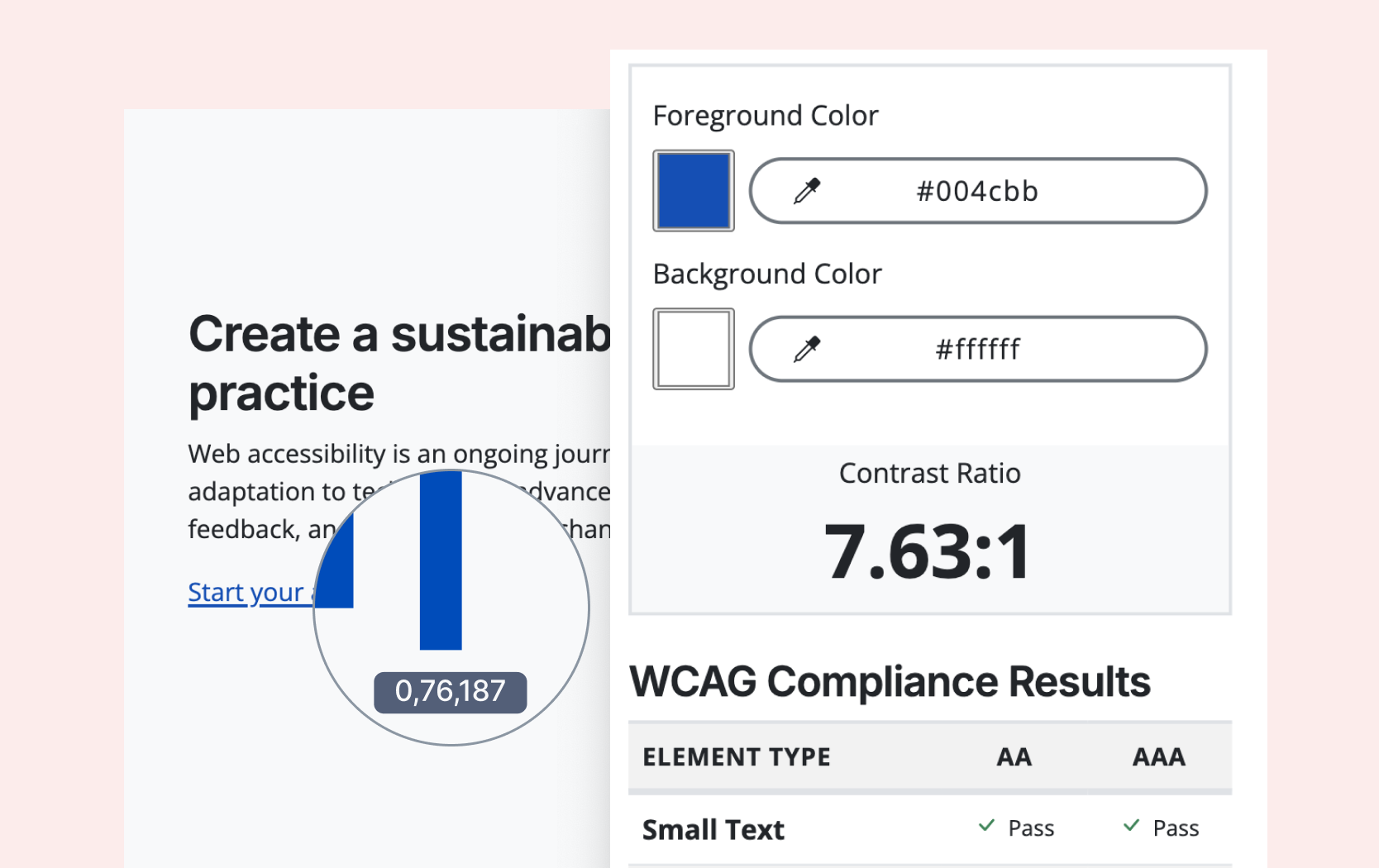
Free Tool: Color Contrast Checker
Test any color combinations to see if they meet WCAG contrast requirements, ideal for agencies and designers ensuring accessible color choices.
Webinars
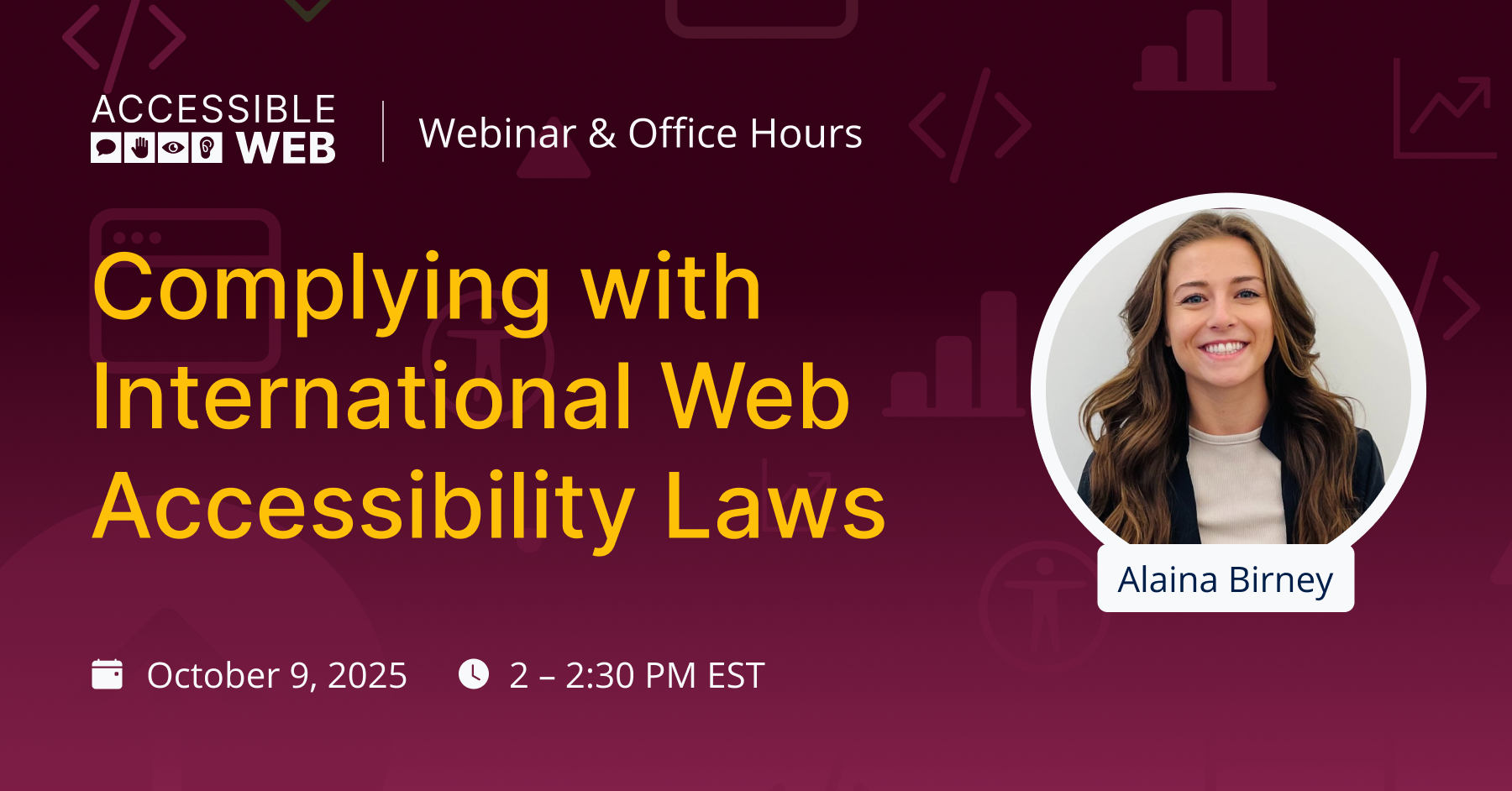
Complying with International Web Accessibility Laws
It’s been a busy year for international web accessibility laws and regulations deadlines around the world, and many more are on the horizon.
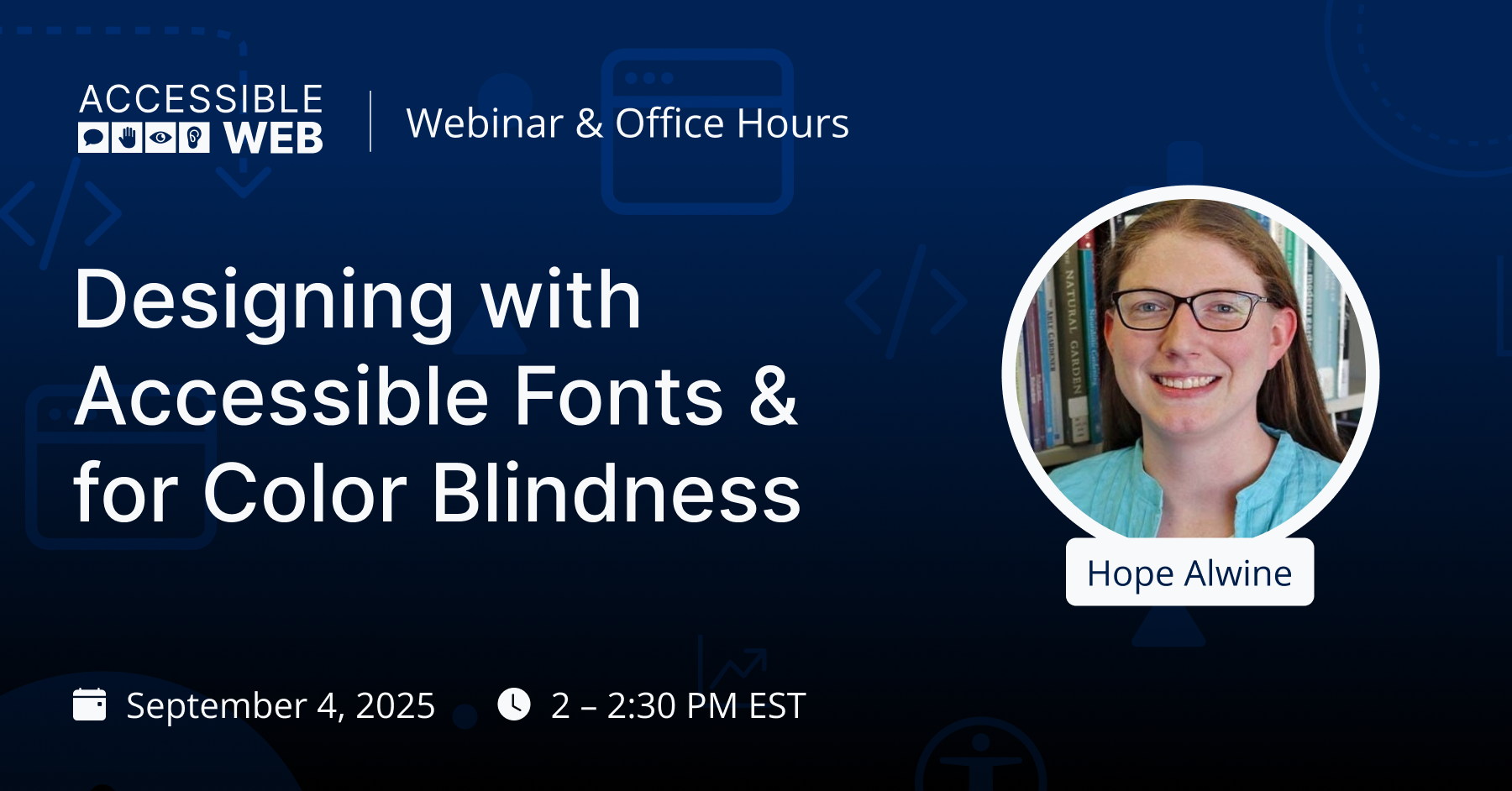
Designing with Accessible Fonts & for Color Blindness
A practical session on choosing accessible fonts, contrast, and typography styles so your designs stay readable for all users across different visual needs.
FAQ
-
WCAG 2.2 is a conformance level of the Web Content Accessibility Guidelines. WCAG 2.2 is generally recommended for the best attainable current standards, as well as for future proofing.
-
We aim to keep our prices low by scoping a sample of your pages that provides code coverage. For example, we may audit a combination of templates and your highest traffic pages.
-
Our tools allow you to perform your own accessibility audit. You can use the Manual Audit Tool and Grid to identify all 100% WCAG violations and fix them using built-in instructions, keep track of your progress using the Grid, and more. Check out all of Accessible Web’s features.
-
Our team of accessibility experts will perform all WCAG checks on a scoped set of pages using a combination of automated, manual, and assistive technology checks.
-
An accessibility audit, at its core, is the most effective way to identify and rectify all WCAG violations. While it is a great start, automatic scanning cannot catch accessibility issues.

“Best solution I’ve found for continuous accessibility monitoring.”
— Deneb, Developer




Ready to Get Started? Try RAMP for Free
Sign up for a free 14-day trial of RAMP and start discovering web accessibility issues on your website within minutes.
(14-day free trial – no credit card required)