Prioritize & Remediate WCAG Violations with Ease
View, track, and manage violations found with automatic scanning in one place. After scanning your platform, Recommended Tasks automatically categorize accessibility barriers by severity.
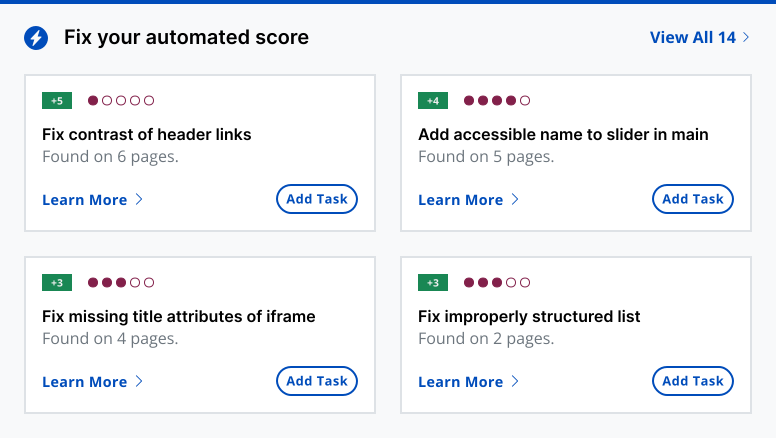
Quickly Identify the Most Pressing Errors
From missing alt text to color contrast violations, you can focus on the areas that need attention first with prioritized accessibility tasks to remediate.
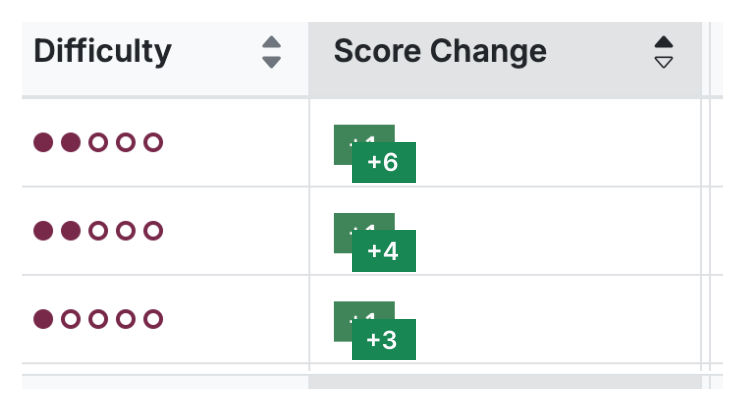
A Smarter, Faster Way to Accessibility Test
Accessibility can feel daunting, but with Recommended Tasks, you get clear, actionable steps to make your digital property more inclusive. Meeting accessibility standards is essential for legal compliance and user satisfaction. This feature will streamline your path to a 100/100 automated score.
This feature is available on all Accessible Web RAMP plans.
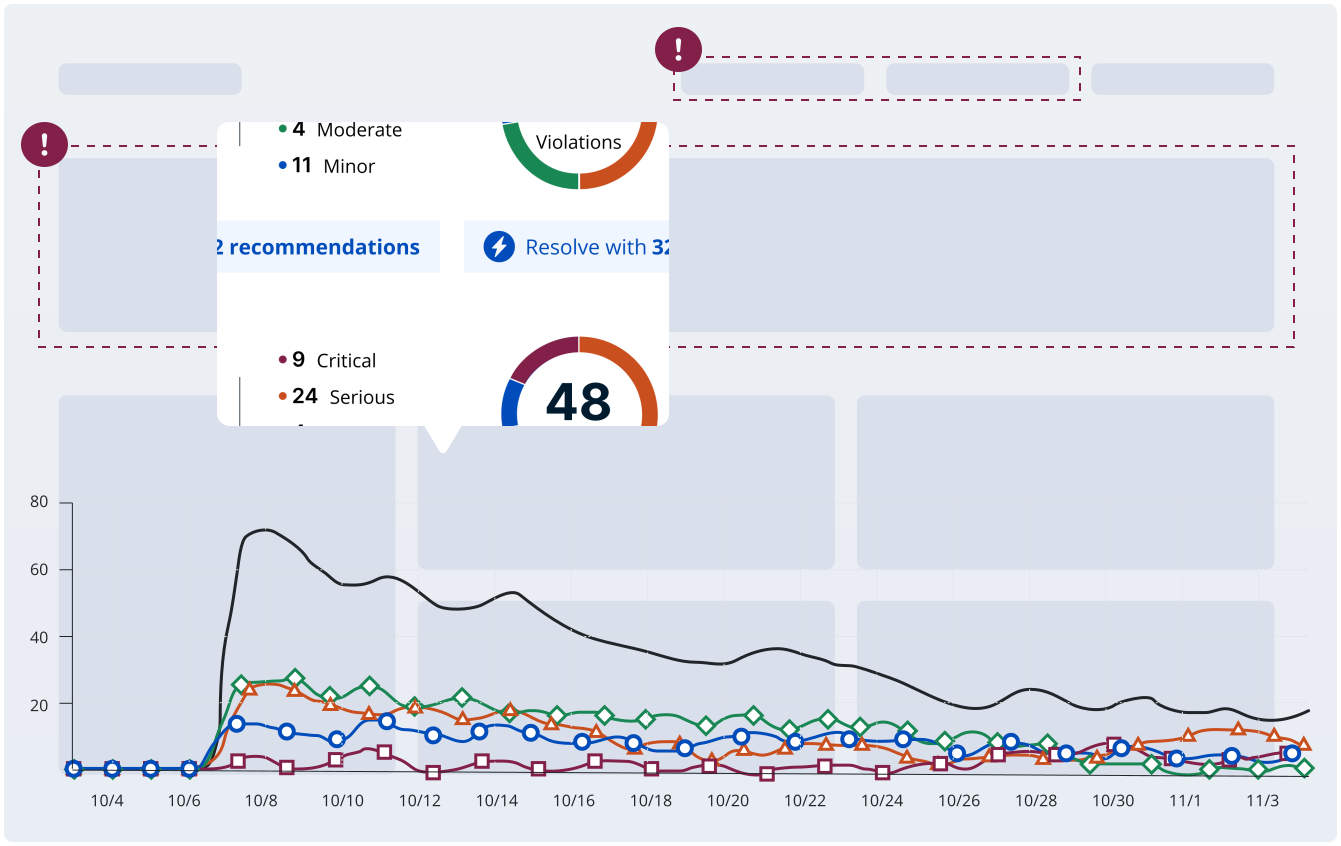
Ready to Get Started? Try RAMP for Free
Sign up for a free 14-day trial of Accessible Web RAMP and start managing accessibility conformance on your digital property.
(14-day free trial – no credit card required)
Hear directly from our customers

“Very clear reports that make it very obvious how to address [violations].”
— Michael K, Kesz1 Technologies
“[RAMP] catches many accessibility issues in an automatic, recurring method, and gives great advice on how to correct it.”
— Deneb P, Developer
“Being provided with the troublesome code, suggested remediation and the ability to rescan individual pages to confirm successful remediation has been huge.”
— Joshua B, Developer
FAQ
-
100/100. The accessibility score only tests for automated finds. So even if you’re at 100/100 there are likely still some accessibility issues that can only be found by manual auditing. However, removing automated accessibility issues is a great start and goes a long way towards avoiding lawsuits.
-
Testing website accessibility is achieved through a combination of workflows. Automatic scanning catches a portion of violations. Automated testing uses tools, like the RAMP platform or our Chrome Extension. Use the Accessible Web Helper Chrome browser extension in combination with RAMP for on-page automated scanning and failure highlighting.
To catch the rest of the violations, a full manual audit is needed. This can be achieved by a self-audit using the Manual Audit Tool and Grid in RAMP. You can also use professional third parties to audit your property, such as our WCAG Audits. Finally, assistive technology checks performed by native users should test your property.